Blog

  • Serverless Architecture: A Practical Guide to Cost Optimization and Scaling

    Serverless Architecture: A Practical Guide to Cost Optimization and Scaling

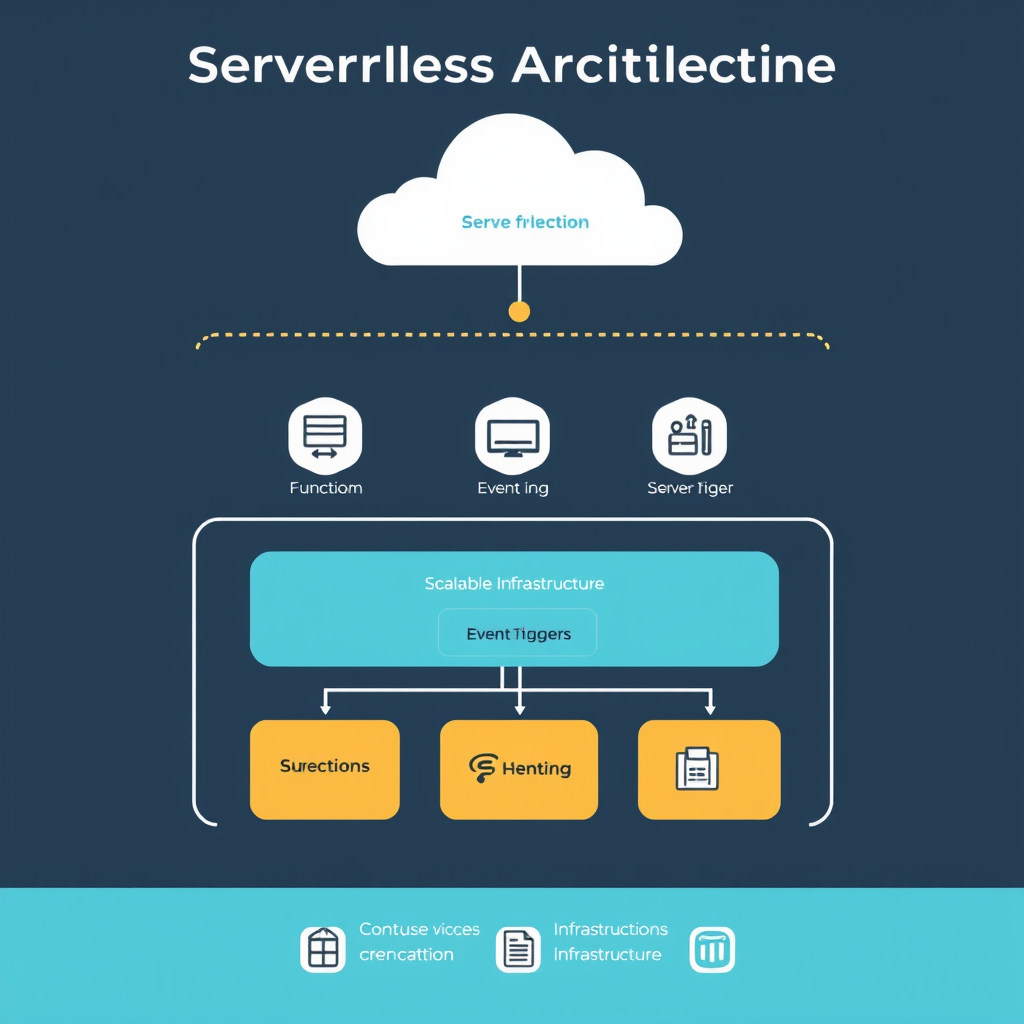
    Serverless architecture offers powerful benefits, but understanding how to optimize costs and leverage scaling capabilities is where many organizations miss out on the full potential. While serverless eliminates server management overhead, smart cost management remains crucial for maximizing ROI.

    The Cost Reality of Serverless

    Many developers assume serverless is automatically cheaper, but that’s rarely true without careful planning. Serverless billing models charge per execution, not per idle time, creating unique cost patterns that differ dramatically from traditional hosting.

    Key cost considerations include: cold starts (which increase execution time and cost), function duration (billed in 100ms increments), and concurrency limits that can trigger throttling or additional charges. Understanding these factors is essential before migrating existing workloads.

    Optimization Strategies That Save Money

    Start with cold start optimization. Use provisioned concurrency to keep functions warm for critical operations, reducing the performance hit of first requests. Configure appropriate memory allocations too—higher memory settings can actually reduce costs by executing faster and potentially minimizing total billing time.

    Implement dead code elimination through selective function routing. Instead of running a single monolithic function for multiple purposes, break it down into smaller, specialized functions that only handle specific tasks. This reduces execution time and memory usage for each function call.

    leverage caching strategies for frequently accessed data. Use external caching layers or function-level caching to avoid repeated computations. For read-heavy operations, consider storing results temporarily to reduce function invocation frequency.

    Scaling vs. Cost Balance

    Serverless scaling is automatic, but auto-scaling can lead to unexpected costs if not managed properly. Set appropriate concurrency limits to prevent runaway spending during traffic spikes.

    Use asynchronous processing for non-critical operations to reduce immediate scaling demands. Queue requests for later processing rather than handling them instantly, especially for operations that can tolerate delays.

    Implement rate limiting and throttling to control traffic flow during peak times. This prevents unnecessary function invocations while maintaining acceptable performance for critical user operations.

    When Serverless Isn’t the Right Choice

    Serverless struggles with long-running processes. Functions that run for several minutes or require persistent connections often become cost-prohibitive and perform poorly.

    Stateful applications face challenges with serverless’ ephemeral nature. If your application requires complex state management across multiple requests, traditional hosting might be more suitable and cost-effective.

    Database-intensive operations can be expensive. Serverless functions that perform complex database queries or transactions may cost more than the performance benefits justify.

    Practical Migration Approach

    Begin with non-critical, infrequently used features for your first serverless migration. Choose workloads with predictable, low traffic patterns to understand cost behaviors before tackling core business logic.

    Monitor and measure closely during the migration period. Use provider-specific tools to track function execution times, error rates, and cost patterns. This data will inform optimization decisions for production workloads.

    Start small and iterate. Migrate one function at a time, comparing costs against the equivalent traditional hosting approach. Build expertise gradually while controlling potential financial exposure.

    Serverless represents not just a technical shift, but a strategic opportunity to optimize both operational complexity and cost structure. The key is understanding both the benefits and limitations to make informed decisions about which workloads truly deserve serverless treatment. When applied correctly, serverless can deliver significant cost savings while dramatically reducing operational overhead.
  • Serverless Architecture: From Traditional Hosting to FaaS

    Serverless Architecture: From Traditional Hosting to FaaS

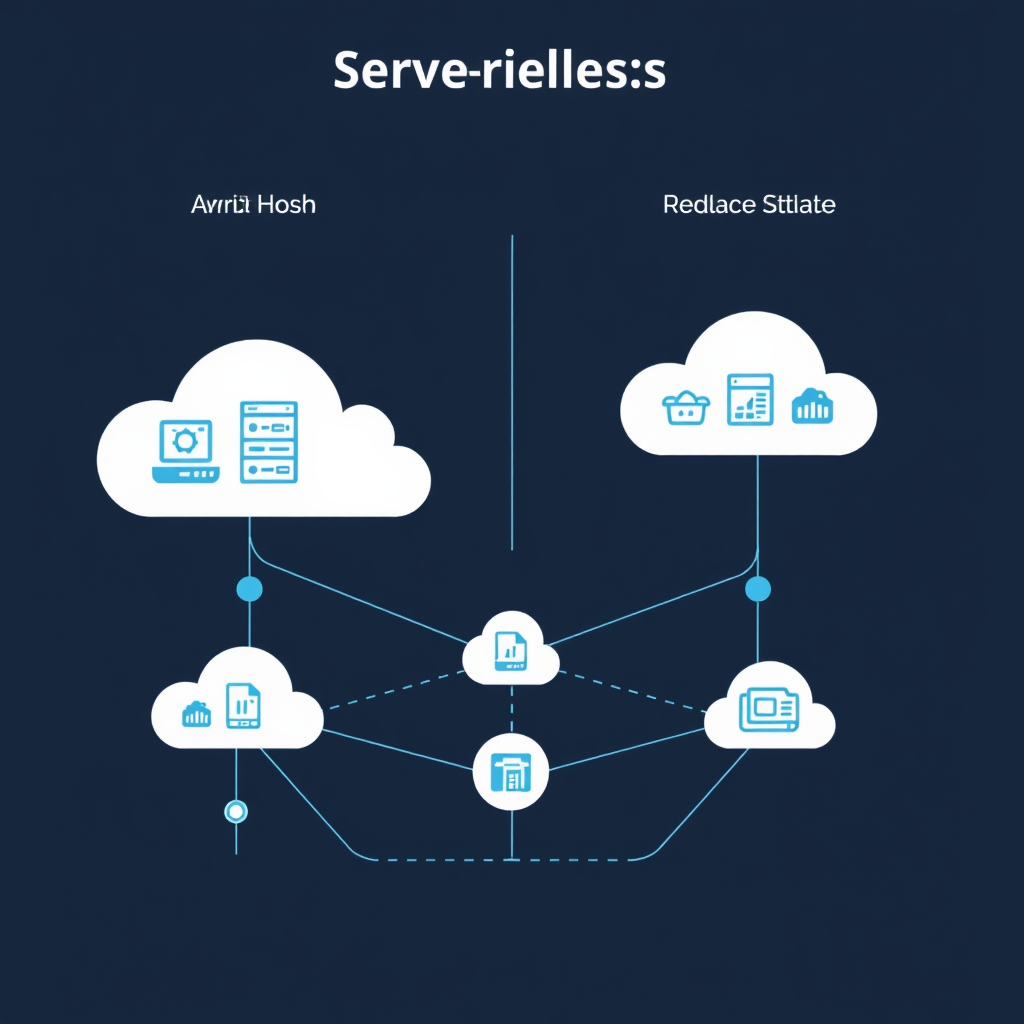
    Serverless architecture represents a fundamental shift in how we think about web hosting and application deployment. Moving beyond traditional hosting models, serverless computing allows developers to build and run applications without managing servers directly, paying only for the actual compute time used.

    The journey from traditional hosting to serverless has been driven by several key factors. Traditional hosting models like shared hosting, VPS, and even dedicated servers require administrators to manage and maintain infrastructure, handle updates, and worry about scalability. As applications grow more complex and traffic patterns become more unpredictable, the limitations of traditional hosting become apparent.

    The Evolution of Hosting Models

    Traditional hosting has evolved through several stages, each addressing some of the limitations of its predecessor:

    • Shared Hosting: Multiple websites share server resources, offering affordability but limited control and scalability.
    • VPS Hosting: Virtual private servers provide dedicated resources within a shared infrastructure, offering better control but still requiring server management.
    • Dedicated Servers: Full server control with dedicated resources, but requires complete infrastructure management.

    Each step represented progress toward more control and autonomy, but also introduced new complexities in terms of management overhead and infrastructure maintenance.

    Serverless: The Game-Changer

    Serverless computing completely eliminates the need to provision or manage servers. Instead of maintaining infrastructure, developers focus purely on writing code that executes in response to events or HTTP requests. The platform handles scaling, maintenance, and resource allocation automatically.

    Key Benefits of Serverless Architecture

    • Cost Efficiency: Pay only for actual compute time, with most providers offering generous free tiers.
    • Scalability: Automatically scales to handle any amount of traffic, from zero requests to millions.
    • Developer Focus: No infrastructure management, allowing developers to focus on business logic.
    • Global Reach: Built-in geographic distribution through edge locations.
    • Continuous Innovation: Providers handle updates, security patches, and feature additions.

    Common Challenges and Limitations

    While serverless offers compelling benefits, it also introduces new considerations that require careful planning:

    • Cold Starts: Initial request latency when functions haven’t been recently executed.
    • Vendor Lock-In: APIs and services vary between providers, making migration complex.
    • Debugging Complexity: Distributed nature can make debugging more challenging.
    • State Management: Functions are stateless, requiring external storage for persistent data.
    • Performance Variability: Execution time depends on provider infrastructure and geographic location.

    Understanding these limitations helps in making informed decisions about when and how to use serverless architecture in your applications.

    Getting Started with Serverless

    If you’re considering serverless for your web application, start with a simple proof of concept. Begin by moving a non-critical feature or API endpoint to serverless, then gradually expand your serverless footprint as you gain experience.

    Most major cloud providers offer generous free tiers for serverless functions, making it easy to experiment without immediate cost concerns. As your application matures, you can optimize for cost and performance based on actual usage patterns.

    The transition from traditional hosting to serverless represents not just a technical change, but a fundamental shift in how we think about building and operating web applications. It’s an evolution that continues to reshape the web development landscape and will likely become the standard approach for most modern web services.

  • Web Assembly: Beyond Browser Gaming to Real-World Web Applications

    Web Assembly: Beyond Browser Gaming to Real-World Web Applications

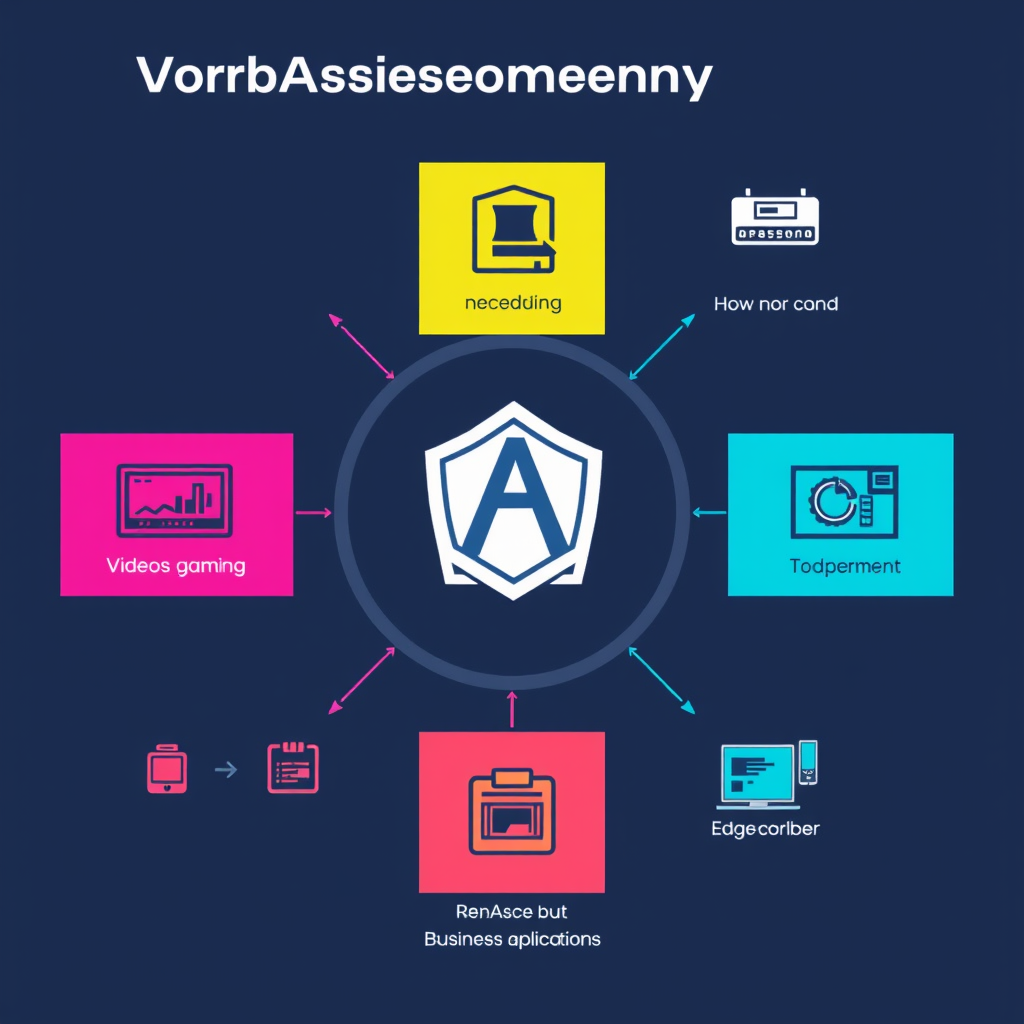
    WebAssembly has evolved far beyond its origins as a technology for browser-based gaming. While gaming was the initial catalyst for WebAssembly’s development, today’s real-world web applications demonstrate its true potential as a foundational technology for the modern web.

    Performance Revolution: Native-Like Speed in the Browser

    WebAssembly’s core value proposition lies in its ability to run near-native code execution within web browsers. This performance breakthrough enables applications that were previously impossible in JavaScript to become practical realities.

    Video Processing and Media Editing

    Professional video processing, image manipulation, and real-time media encoding now run in the browser. Applications like Adobe’s video editing tools and medical imaging software use WebAssembly to process high-resolution media without requiring native desktop applications.

    Development Tools and IDEs

    Modern development environments like VS Code and Eclipse Theia leverage WebAssembly to provide IDE functionality that rivals traditional desktop applications. Code compilation, linting, and syntax highlighting now execute efficiently in the browser, bridging the gap between cloud-based development and local performance.

    Real-World Business Applications

    WebAssembly enables complex business logic to run entirely in the browser, reducing server load and improving user experience through offline capabilities and reduced latency.

    Data Visualization and Analytics

    Financial analysis tools, scientific data visualization, and business intelligence dashboards use WebAssembly to render complex datasets in real-time. Libraries like D3.js and Apache Arrow have been ported to WebAssembly, enabling large-scale data processing directly in the browser.

    PDF and Document Processing

    Document editors, PDF viewers, and form processing applications achieve native performance through WebAssembly. Users can now interact with complex documents, annotate PDFs, and perform OCR operations entirely within their web browsers without plugin dependencies.

    Edge Computing and Serverless Architectures

    WebAssembly has become the de facto standard for edge computing, powering serverless functions that run at the network edge. Platforms like Cloudflare Workers and AWS Lambda now support WebAssembly, enabling ultra-low-latency processing at the edge of the internet.

    Edge AI and Machine Learning

    Machine learning models now deploy to the edge through WebAssembly, enabling real-time inference without sending user data to central servers. Privacy-sensitive applications like facial recognition, text analysis, and speech processing can run entirely client-side while maintaining accuracy.

    API Gateway Processing

    API gateways use WebAssembly to provide custom request processing, authentication, rate limiting, and transformation capabilities at the edge. This approach eliminates the need for server-side code while maintaining high security and performance standards.

    Future-Proof Web Infrastructure

    WebAssembly represents a shift from interpreted JavaScript to compiled, type-safe web execution. This change brings several architectural benefits:

    • Type Safety: WebAssembly’s type system catches many runtime errors at compile time
    • Memory Safety: Built-in bounds checking prevents common security vulnerabilities
    • Language Agnostic: Code can be written in Rust, C++, Go, and other compiled languages
    • Deterministic Execution: Consistent performance across different browsers and devices

    As WebAssembly continues to mature, we’ll see more existing JavaScript applications being migrated to take advantage of native performance. The technology is no longer experimental—it’s a critical component of modern web infrastructure that powers everything from real-time collaboration tools to complex data processing applications.

    The future of web development will be defined by how we leverage compiled languages and native performance within browser environments, and WebAssembly is leading that transformation beyond the gaming sector that initially brought it to prominence.

  • Edge Computing: Benefits and Implementation for Modern Websites

    Edge Computing: Benefits and Implementation for Modern Websites

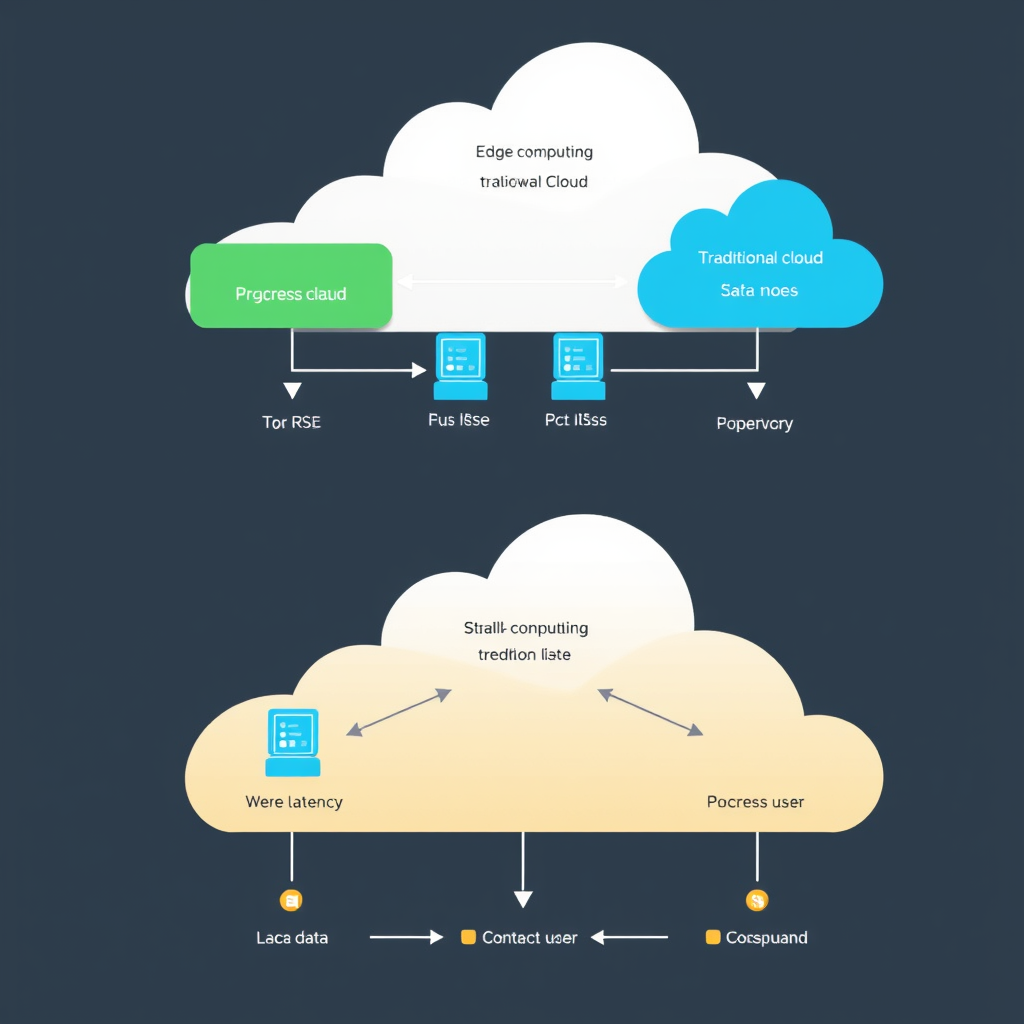
    Edge computing represents a paradigm shift in how modern websites process and deliver data, bringing computation closer to where it’s actually needed rather than relying solely on distant cloud servers. This architectural approach is transforming web development by reducing latency, improving user experience, and enabling new capabilities that were previously impossible with traditional cloud-only architectures.

    The Core Problem Edge Computing Solves

    Traditional websites typically route all user requests to centralized cloud servers, which can introduce significant delays—especially for users far from those data centers. These delays manifest as slower page loads, delayed interactions, and reduced overall user satisfaction. Edge computing addresses this fundamental limitation by processing data at strategic points closer to end users.

    Key Benefits for Modern Websites

    1. Dramatically Reduced Latency

    By processing requests locally at edge locations, websites can achieve sub-50ms response times even for complex operations. This translates to instant page loads, responsive interactions, and smooth user experiences, particularly critical for applications like real-time gaming, video streaming, and interactive web applications.

    2. Improved Reliability and Performance

    Edge computing provides built-in redundancy by distributing workload across multiple locations. If one edge node fails, traffic can seamlessly reroute to another, ensuring continuous service availability. Additionally, local processing reduces bandwidth requirements and costs by filtering and processing data before it travels to central servers.

    3. Enhanced Security and Privacy

    Edge computing keeps sensitive user data localized, reducing exposure to network-based attacks during transmission to central servers. This is particularly valuable for applications handling personal data, financial information, or other confidential content, helping websites comply with privacy regulations like GDPR and CCPA.

    4. Bandwidth Optimization

    By processing data at the edge, websites can significantly reduce the amount of data that needs to travel to and from central cloud servers. This optimization reduces bandwidth costs, improves network efficiency, and enables more users to access the same service simultaneously without degradation in performance.

    Implementation Strategies for Modern Websites

    1. CDN Integration

    Content Delivery Networks like Cloudflare, Fastly, and Amazon CloudFront have evolved beyond simple static file caching to support serverless functions at the edge. This enables dynamic content processing—like image optimization, authentication checks, or API routing—directly at edge locations.

    2. Serverless Functions at the Edge

    Platforms like Cloudflare Workers, Vercel Edge Functions, and AWS Lambda@Edge allow developers to write JavaScript/TypeScript code that executes at edge locations. This enables real-time content personalization, A/B testing, geographic routing, and other dynamic processing without maintaining dedicated edge infrastructure.

    3. Edge Databases and Caching

    Modern edge platforms provide access to distributed databases and caching solutions that keep frequently accessed data close to users. This includes key-value stores like Redis, document databases, and custom data stores that synchronize with central databases while maintaining low-latency access.

    4. Geographic Content Routing

    Edge computing enables intelligent routing based on user location, language, or other factors. Websites can serve localized content, optimize for regional regulations, or direct users to the nearest data center for optimal performance without complex global load balancing setups.

    Practical Implementation Considerations

    When implementing edge computing for your website, consider these key factors:

    • Gradual Migration: Start with critical user journeys and expand incrementally rather than attempting a complete rewrite.
    • Performance Monitoring: Edge performance varies by geography, so implement comprehensive monitoring across your user base.
    • Cost Optimization: Edge computing pricing models differ from traditional cloud, so review usage patterns and set appropriate limits.
    • Development Workflow: Adapt your CI/CD pipeline to deploy to multiple edge locations simultaneously.
    • Testing Strategy: Test edge functions from different geographic locations to ensure consistent behavior worldwide.

    The Future Landscape

    Edge computing is not just a current trend—it’s shaping the future of web architecture. As 5G networks become more widespread and IoT devices proliferate, the need for low-latency, locally-processed data will only intensify. Websites that adopt edge computing now will be positioned to deliver exceptional user experiences while staying competitive in an increasingly demanding digital landscape.

    By embracing edge computing, modern websites can achieve unprecedented performance, reliability, and user satisfaction while reducing infrastructure costs and improving security. The technology is mature enough for production use today, making this an opportune moment for forward-thinking web developers to implement edge computing strategies and future-proof their applications.

  • Container Orchestration: Docker Swarm vs Kubernetes for Small Projects

    Container Orchestration: Docker Swarm vs Kubernetes for Small Projects

    Container orchestration platforms have become essential tools for modern web development, but choosing the right solution can be overwhelming, especially for small projects with limited resources and expertise.

    When Docker Swarm Makes Sense for Small Projects

    Docker Swarm offers a lightweight, straightforward approach to container orchestration that works well for smaller deployments. Its simplicity is a major advantage for teams that need to get up and running quickly without the complexity of more enterprise-grade solutions.

    Swarm’s native Docker integration means you can use familiar Docker commands to manage your entire cluster. If your team already works with Docker extensively, Swarm provides a seamless learning curve. The platform requires fewer dependencies and can typically be set up with just a few commands.

    Why Kubernetes Might Be Better for Slightly More Complex Needs

    While Kubernetes offers more power and flexibility, it also comes with significant complexity. For small projects, this complexity can outweigh the benefits unless you anticipate rapid growth or have specific requirements that Kubernetes uniquely addresses.

    However, Kubernetes is the industry standard for container orchestration. If your project might scale to production level, or if your team needs to demonstrate expertise with the most widely used orchestration tool, investing time in Kubernetes can pay dividends. Many development positions now list Kubernetes experience as a requirement.

    Practical Comparison for Small Teams

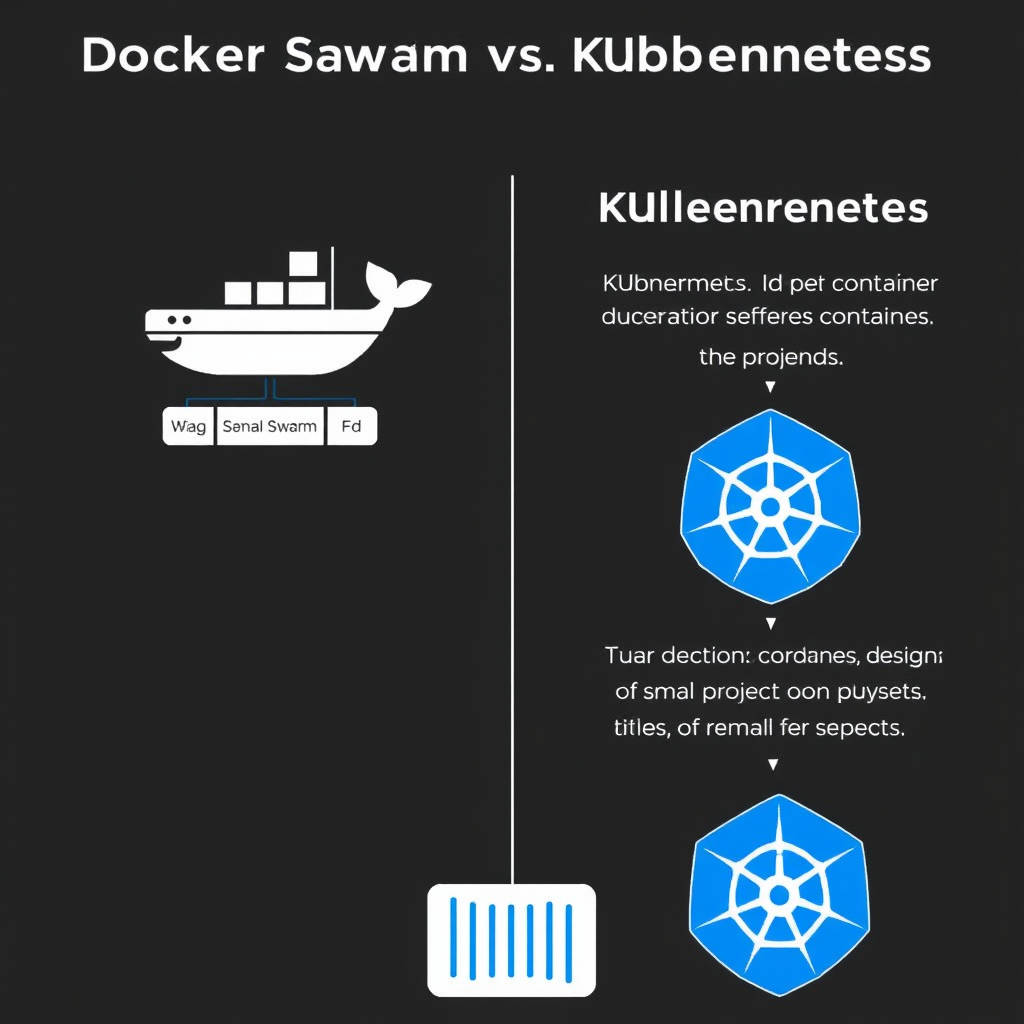
    Here’s how Docker Swarm and Kubernetes compare for small projects:

    1. Setup Complexity: Docker Swarm wins with its simpler installation and configuration process

    2. Resource Requirements: Swarm needs fewer resources to run effectively

    3. Learning Curve: Swarm is more approachable for teams new to container orchestration

    4. Ecosystem Maturity: Kubernetes has more extensive tooling and community support

    5. Production Ready: Both are production-ready, but Kubernetes has more battle-tested solutions

    Key Decision Factors

    When choosing between Docker Swarm and Kubernetes for your small project, consider these key factors:

    • Your team’s existing Docker expertise

    • Projected growth rate and scale

    • Specific application requirements

    • Budget for both human and computational resources

    • Long-term maintenance considerations

    Making the Right Choice

    For many small projects, Docker Swarm provides an excellent starting point. It’s simple, lightweight, and gets containers working together quickly. However, if you anticipate your project growing beyond a handful of containers, or if you need the advanced features and ecosystem support of Kubernetes, it might be worth investing time in learning Kubernetes now rather than migrating later.

    The most successful small projects often start with Docker Swarm for rapid development and deployment, then transition to Kubernetes as they scale. This staged approach allows teams to gain experience gradually while keeping initial complexity manageable.

  • Why Small WordPress Sites Get Targeted by Bots (And What Actually Helps)

    Why Small WordPress Sites Get Targeted by Bots (And What Actually Helps)

    Small WordPress sites get targeted by bots for several specific reasons that make them attractive, easy targets for automated attackers.

    Why Bots Prefer Small WordPress Sites

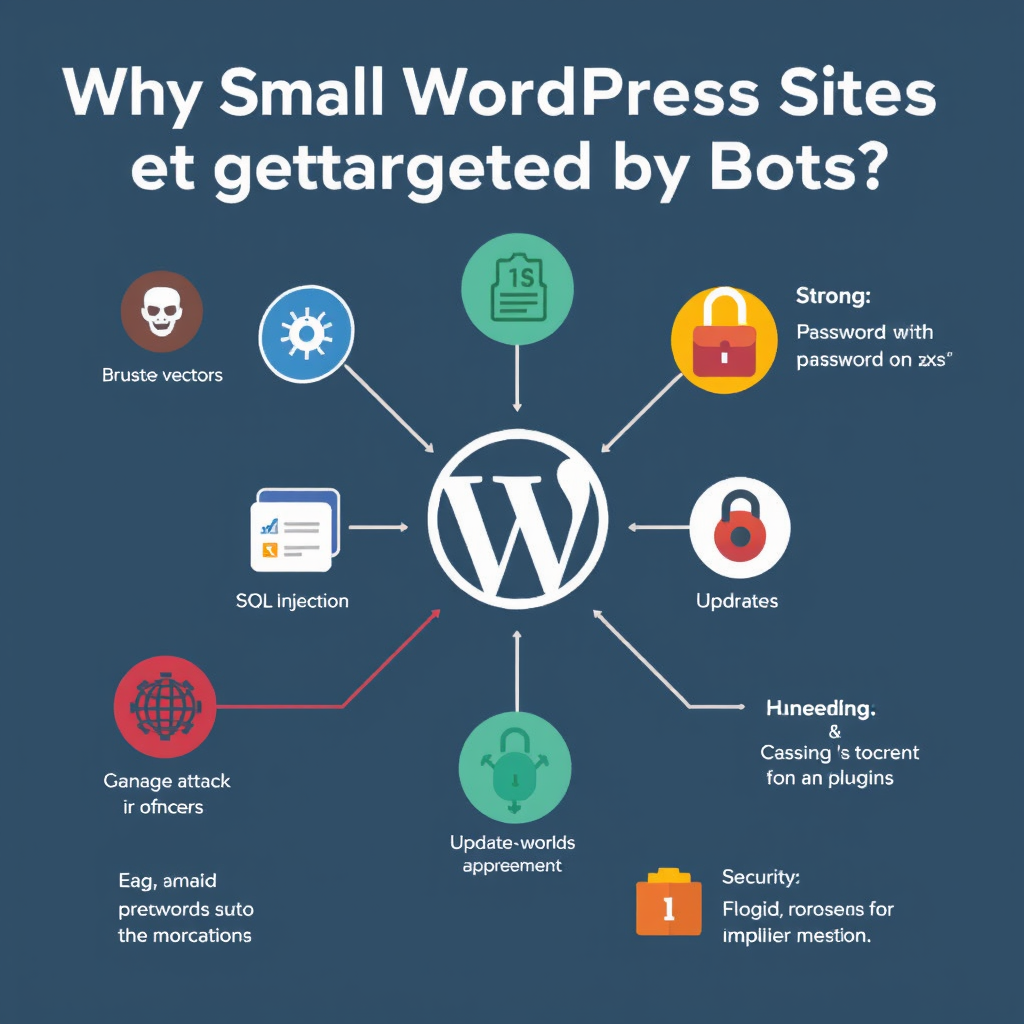
    The bot threat landscape isn’t random – bots specifically hunt for small WordPress sites because they offer the lowest resistance. Here’s what makes small sites appealing targets:

    • Outdated Software: Small sites often run older WordPress versions, themes, and plugins with known vulnerabilities that bots can exploit automatically.
    • Limited Security Resources: Small site owners typically have tighter budgets and less technical expertise to implement robust security measures.
    • Common Configurations: Many small sites use similar setups (WordPress + popular themes/plugins), making it easy for bots to write one attack that hits multiple targets.
    • Lower Detection Risk: Automated attacks on small sites are less likely to trigger security alerts or get noticed by larger security monitoring systems.
    • Higher Success Rates: Studies show that 40% of WordPress sites have at least one vulnerability, and many small sites never apply security patches.

    Bot attackers use sophisticated scanning tools that systematically probe the internet for WordPress sites, checking for common weaknesses like unpatched core, themes with known exploits, or misconfigured security settings.

    Types of Bots Targeting WordPress Sites

    Not all bots are harmful. But understanding the different types helps you focus your defenses on real threats.

    Malicious Bots are the most concerning for small site owners. They include:

    • Scanner Bots that probe for vulnerabilities in WordPress core, themes, and plugins
    • Crawler Spammers that attempt to inject malicious content into comments or posts
    • Credential Stuffers that test stolen passwords against WordPress logins
    • SEO Bots that manipulate search rankings through spammy backlinks or content
    • Distributed Denial-of-Service (DDoS) Bots that overwhelm site resources

    Benign Bots are actually helpful and necessary for a healthy website:

    • Search engine crawlers (Googlebot, Bingbot) that index your content
    • Social media bots that preview and share your content
    • Analytics bots that track visitor behavior
    • Security scanners that help you find vulnerabilities

    What Actually Helps Protect Small WordPress Sites

    Good news: most bot attacks on small WordPress sites are preventable with basic but effective security practices. Here’s what actually works:

    Keep Everything Updated

    Outdated software is the #1 vulnerability bots exploit. WordPress releases regular security patches, but you need to install them promptly.

    • Enable automatic core updates in WordPress
    • Set up theme and plugin auto-updates where available
    • Use a version control system to track changes before major updates
    • Keep backups current so you can quickly restore if something goes wrong

    Use Strong Passwords and Two-Factor Authentication

    Bot credential stuffing attacks succeed because many sites still use weak passwords. Strong authentication stops these attacks before they start.

    • Use password managers to generate unique, complex passwords for each service
    • Implement two-factor authentication (2FA) for all user accounts, especially admin access
    • Use passwordless login options like Google Authenticator or Authy when possible
    • Change default admin usernames and avoid using “admin” or “administrator”

    Install a Security Plugin

    Security plugins provide essential protection that most small site owners would implement manually if they had the expertise.

    • Wordfence, iThemes Security, or Sucuri for comprehensive protection
    • Free versions offer basic firewall and malware scanning
    • Paid versions include real-time threat intelligence and automatic remediation
    • Look for plugins that offer brute force protection, malware scanning, and security hardening

    Secure Your Login Process

    Login pages are prime targets for bot attacks. Simple security measures can dramatically reduce successful bot attempts.

    • Install reCAPTCHA to prevent automated login attempts
    • Limit login attempts with account lockout after failed attempts
    • Use WordPress’ built-in login security features
    • Consider disabling XML-RPC API if you don’t need it (prevents Brute Force attacks)

    Implement Web Application Firewall (WAF)

    A WAF acts as a proxy between your site and the internet, filtering malicious traffic before it reaches your WordPress installation.

    • Cloudflare, Sucuri, or AWS WAF provide effective protection
    • WAFs can block known malicious bots and attack patterns automatically
    • Most services offer free tiers suitable for small sites
    • WAFs also provide DDoS protection and improved performance

    Secure File Uploads and Themes

    Bots exploit insecure file uploads and vulnerable themes. Restricting what can be uploaded and keeping themes clean prevents these attacks.

    • Disable file uploads unless absolutely necessary
    • Only upload files from trusted sources
    • Use themes and plugins from reputable sources only
    • Remove unused themes and plugins completely
    • Check file permissions to prevent unauthorized modifications

    The Reality of Bot Protection

    Bot protection isn’t about creating an impenetrable fortress—it’s about making your site a difficult target that’s not worth the effort for automated attackers. Most successful bot attacks target sites with:

    • Outdated software (easy to exploit)
    • Weak passwords (easy to guess)
    • No security monitoring (attacks go unnoticed)
    • Poor security practices (inconsistent protection)

    Your goal is to be the opposite of an easy target. Even basic security measures that most small site owners overlook will dramatically reduce bot attack success rates.

    Start with the basics: update everything, use strong passwords with 2FA, install a security plugin, and monitor for suspicious activity. These four steps alone can prevent 90% of automated bot attacks targeting WordPress sites.

    Monitoring and Response

    Even with strong protection, you should still monitor for bot activity and have a response plan ready.

    • Use security plugins that alert you to suspicious activity
    • Monitor login attempts and failed authentication
    • Watch for unusual traffic spikes that might indicate DDoS attacks
    • Keep backups current for quick recovery if compromised
    • Have a documented incident response plan

    Remember that bot protection is an ongoing process, not a one-time setup. As attack techniques evolve, so should your security measures.

    Small WordPress sites can maintain strong security with relatively simple measures. The key is being consistent, staying updated, and never assuming you’re too small to be targeted.

  • Shared Hosting vs VPS vs Dedicated Server: A Practical Breakdown for Non-Engineers

    Shared Hosting vs VPS vs Dedicated Server: A Practical Breakdown for Non-Engineers

    When it comes to choosing web hosting, the options can feel overwhelming. You see terms like “shared hosting,” “virtual private server (VPS),” and “dedicated server” everywhere, but what do they really mean? This guide breaks down the key differences between these three hosting options in plain language, so you can make the right choice for your website without getting lost in technical jargon.

    What Are the Three Main Hosting Types

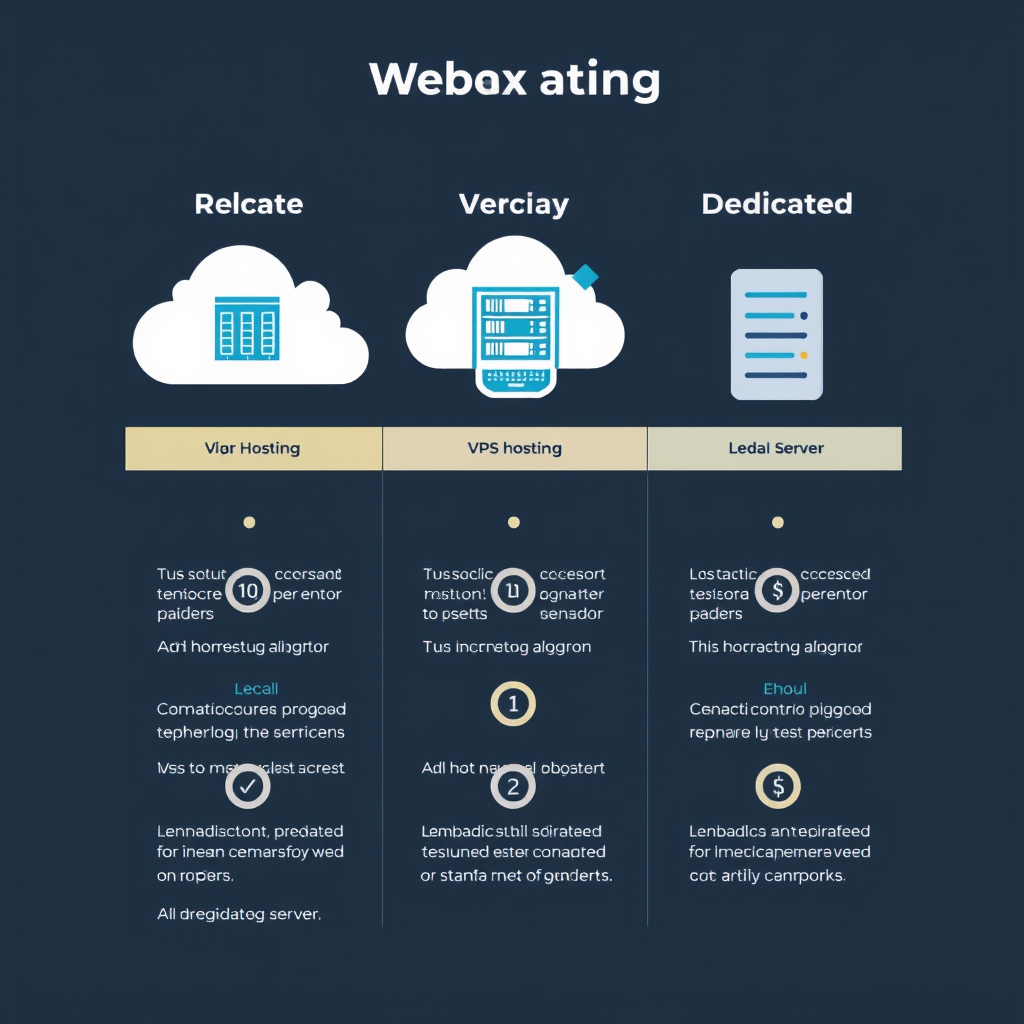
    Think of web hosting like renting space on a computer (server) to store your website files. The three main options differ mainly in how much control you have, how much power you get, and how much you pay.

    1. Shared Hosting – The Beginner-Friendly Option

    Shared hosting is like renting a single room in an apartment building. Your website shares the server’s resources (CPU, memory, storage) with many other websites. This is the most common and affordable option.

    Pros:

    • Very affordable – Usually $5-15 per month
    • Easy to use – Most setup is handled for you
    • No technical knowledge needed – Your host manages everything
    • Good for beginners – Perfect for small businesses and personal sites

    Cons:

    • Limited resources – You’re sharing everything
    • Performance can suffer – Other sites affect you
    • Limited control – You can’t install custom software
    • Scalability issues – Hard to grow beyond basic needs

    2. VPS Hosting – The Middle Ground

    VPS hosting is like renting a condominium unit. You still share the building with others, but you have your own private space with dedicated resources. The server is divided into multiple virtual servers, each acting like its own server.

    Pros:

    • Dedicated resources – Your CPU, RAM, and storage are yours alone
    • Better performance – Not affected by other websites
    • More control – You can install custom software
    • Scalable – Easy to upgrade as you grow

    Cons:

    • More expensive – Usually $40-100 per month
    • Some technical knowledge – May need to manage certain aspects
    • Virtual nature – Still shares the underlying hardware

    3. Dedicated Server – Maximum Control and Power

    A dedicated server is like owning an entire house. You have complete control over the entire server – its resources, software, and configuration. You’re the only one using it.

    Pros:

    • Maximum power – All server resources yours
    • Complete control – Install anything you want
    • Best performance – No sharing or limitations
    • Highly secure – Your own isolated environment

    Cons:

    • Most expensive – Typically $150-500+ per month
    • Technical expertise required – You manage everything
    • Higher overhead

    How to Choose the Right Option for You

    The best choice depends on your specific needs, budget, and technical comfort level. Here’s a simple decision guide:

    • Start with shared hosting if you’re on a tight budget, running a small website, and want something that just works
    • Choose VPS hosting if your website is growing, you need more control, or you have basic technical skills
    • Go with a dedicated server if you run a high-traffic business site, need custom software, or have technical staff

    Many websites start with shared hosting and upgrade to VPS as they grow, just like many people start with basic cable TV and upgrade to internet service later.

    Future-Proofing Your Choice

    Consider that your hosting needs will likely change over time. If you’re confident your website will grow beyond a few hundred visitors daily, starting with VPS might save you from disruptive upgrades later. However, if you’re unsure about your needs, shared hosting lets you test the waters first.

    Remember that good hosting is only one part of a successful website. Content, design, and optimization also play crucial roles in your site’s performance and user experience.

  • What Actually Makes a Website Fast: A Non-Technical Breakdown

    What Actually Makes a Website Fast: A Non-Technical Breakdown

    What Makes a Website Fast

    Ever wondered why some websites load instantly while others feel like they’re crawling along? The difference isn’t just about having better computers or internet connections. Here’s a plain English breakdown of what actually makes websites fast.

    The Two Main Players

    Website speed comes down to two main factors: how fast the visitor’s device can work and how efficiently the website sends and receives information.

    The Visitor’s Side of Things

    First, let’s look at what’s happening on the person’s device trying to view your site.

    • Modern Browser, Happy Browser – When someone uses a current version of Chrome, Firefox, Safari, or Edge, your website generally works better because browsers get updates that make them faster and more efficient.

    • Internet Connection – A faster internet connection always helps, but good website design can make a huge difference even on slower connections.

    • Device Power – Newer phones, tablets, and computers have better processors and more memory, so they can load and run websites more quickly.

    • Settings Matter – If someone has lots of apps running, old photos cached, or their browser settings aren’t optimized, it can slow things down.

    Now, the Website’s Side of Things

    This is where you (as a website owner) have the most control. Here’s what makes your site load quickly for visitors.

    The Content You Choose

    Images and Videos – Large images and videos are the biggest speed killers. A photo that’s 5 MB loads much slower than one that’s 50 KB, even though they look similar. Modern websites can show the same picture in different sizes depending on the device, so a visitor on a phone might get a smaller, faster-loading version than someone on a desktop.

    Text Content – Plain text is incredibly lightweight. A 1,000-word article has minimal impact on loading speed. It’s when you add lots of images, videos, and complex formatting that things slow down.

    How Your Site Works Behind the Scenes

    Smart Loading – Modern websites can load content only when needed. Think about how Netflix only downloads the movie you’re watching, not every movie on the service.

    Cache Magic – When your website stores copies of itself in visitors’ browsers or on servers around the world, repeat visitors get instant access because the heavy lifting happened before.

    Simple Code – Websites are built with programming languages. Clean, modern code is more efficient than old, messy code. Think of it like writing: clear, simple sentences are easier to read than a paragraph full of complex, tangled grammar.

    The Technical Infrastructure

    Good Hosting – Your website needs a computer (server) to live on. A quality host is like a well-organized office space, while a poor host might be like trying to work from someone’s garage.

    Content Delivery Networks – These are like having copies of your website at different locations around the world. When someone in New York visits your site, they get it from the New York copy rather than waiting for it to travel from California.

    Modern Tools – Websites today have access to amazing technology that automatically optimizes images, minifies code, and handles many speed-related tasks behind the scenes.

    The Speed Hierarchy

    Not all speed factors are equally important. Here’s what makes the biggest difference:

    • First Tier (Massive Impact) – Large images and videos, poor hosting quality

    • Second Tier (Significant Impact) – Unoptimized browser settings, too many animations or effects

    • Third Tier (Smaller Impact) – Slightly larger text files, older web technologies

    Understanding this helps you focus your energy on what will actually make the biggest difference.

    Common Speed Problems (and Quick Fixes)

    Even well-intentioned website owners make speed-killing mistakes:

    • The Image Pounding Problem – Adding dozens of photos when a couple of well-chosen images would tell the story just as well.

    • The Video Without Controls Problem – Autoplay videos automatically start playing when someone visits, immediately slowing down the entire page.

    • The Many Plugins Problem – Installing dozens of website tools when only a few are actually needed.

    • The No Mobile Check Problem – Building a website that works great on desktop but looks like a mess on phones.

    Quick fixes: Use smaller images, let visitors control videos, keep plugins minimal, and ensure your site works well on mobile devices.

    Why Speed Actually Matters

    Speed isn’t just about convenience. A fast website helps you rank better in search engines like Google, makes visitors stay longer, and creates a better overall impression.

    Think about it: would you rather walk into a store that’s clean, organized, and welcoming, or one that’s cluttered and difficult to navigate? Visitors feel the same way about websites. A slow website feels unprofessional, while a fast one feels responsive and well-maintained.

    Speed also affects your business: frustrated visitors leave your site quickly, which hurts your chances of making a sale or getting them to subscribe to your newsletter.

    Bottom Line

    Making a website fast comes down to:

    • Choosing smarter content (smaller images, needed videos, clean text)
    • Using good hosting and modern web tools
    • Keeping things simple (fewer unnecessary features)
    • Ensuring it works well on mobile devices

    The best-performing websites aren’t necessarily the most complex or feature-rich ones. They’re the ones that prioritize speed, choose their content wisely, and work efficiently behind the scenes.

    Next time you visit a slow website, remember: it’s usually a combination of factors, and the good news is that most of them can be improved with the right approach and tools.

  • How git works, explained without the jargon

    How git works, explained without the jargon

    What Is Git?

    Git is a tool that helps you keep track of changes to files, especially when you’re working on a project. Think of it like a time‑traveling notebook that saves a copy of your work every time you decide something is worth remembering. You can go back to any previous version, combine different ideas, or start fresh with a new direction.

    How Git Stores Changes

    Instead of copying entire files every time you save, Git stores only the pieces that changed. It creates a snapshot of those changes and links them together, forming a chain. Each snapshot references the previous one, so you can see how one version led to the next.

    Understanding Snapshots and History

    When you type git add, you stage the changes for a snapshot. When you type git commit, Git records a snapshot with a short note (your message). The history becomes a list where each step shows what changed and why. You can view this list to find a particular moment in your project’s life.

    Branching and Merging Made Simple

    Git lets you create multiple parallel lines of work called branches. You can start a new branch to try something without disturbing the main work. When the experiment is ready, you merge it back into the main branch, combining the new ideas with the existing work.

    Key Commands Without Complex Jargon

    • git init: Starts a new git project.
    • git add: Marks changes you want to save.
    • git commit: Saves the staged changes as a new snapshot.
    • git status: Shows what you’ve changed and what Git is waiting for.
    • git log: Shows the list of saved snapshots.
    • git diff: Displays what changed between two points.
    • git checkout: Moves to a different version to look at it.
    • git merge: Combines work from a branch into another.
    • git branch: Lists, creates, or deletes branches.
    • git remote: Connects your project to other repositories (like sharing your notebook with a friend).

    Why Git Matters for Everyone

    Even if you only edit a few files, Git helps you feel confident about trying new things. You can experiment, revert if something goes wrong, and keep a clean record of what you’ve done. Whether you’re writing code, managing documents, or tracking creative projects, Git provides a simple way to control change without getting lost in complexity.

  • The History of the LAMP Stack and Why It Still Matters

    The History of the LAMP Stack and Why It Still Matters

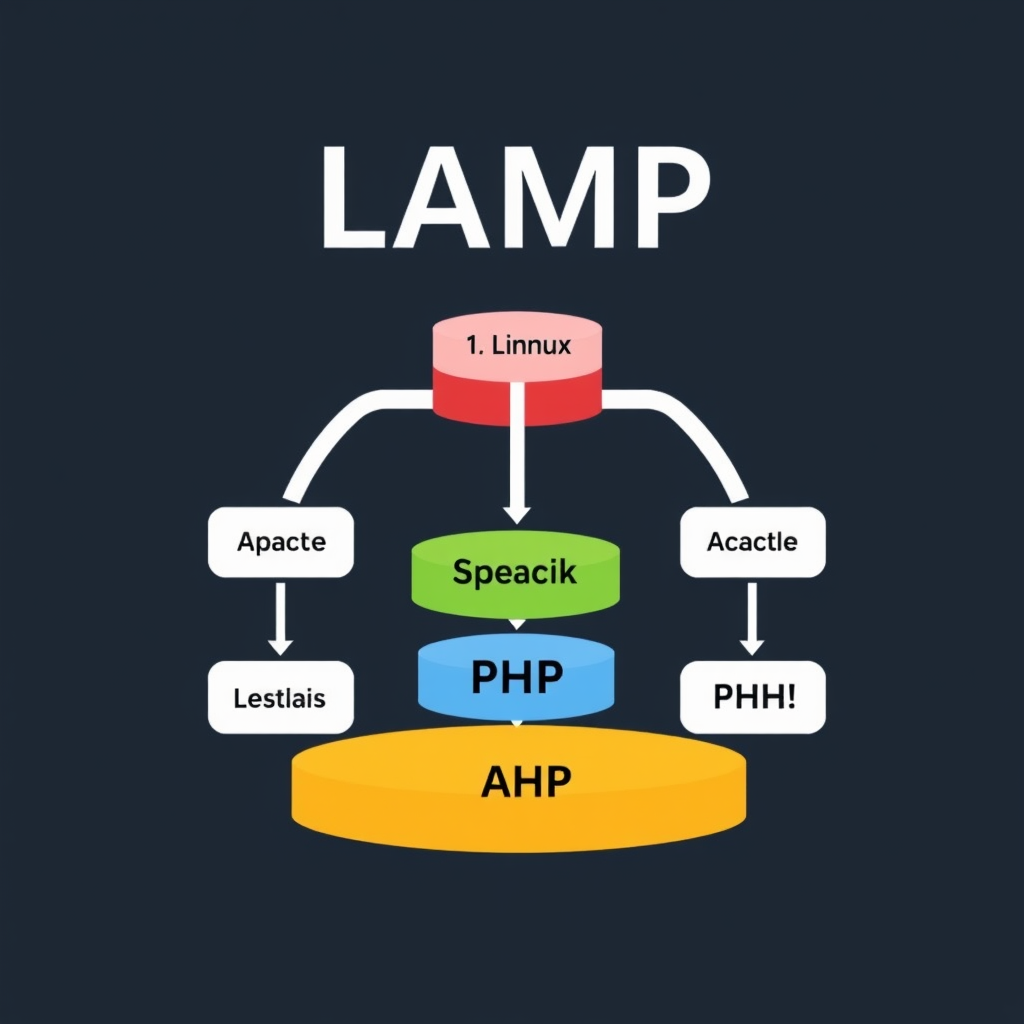
    The LAMP stack—comprising Linux, Apache, MySQL, and PHP—has been the cornerstone of web development for decades. From its humble beginnings in the early 1990s to its widespread adoption today, LAMP has evolved from a simple collection of tools into a robust, mature platform that continues to power millions of websites worldwide.

    The Origins: A Web Development Revolution

    The LAMP stack emerged in the mid-1990s as web developers needed a complete solution for building dynamic websites. Before LAMP, developers had to piece together disparate tools that often didn’t work well together. The innovation was having all four components work seamlessly as a single stack.

    Linux provided the stable, open-source operating system foundation. Apache emerged as the first truly popular web server, replacing earlier servers like NCSA Httpd. MySQL offered a fast, reliable database solution, while PHP (originally Personal Home Page Tools) provided an easy way to create dynamic web pages that could interact with databases.

    The Evolution: From Niche to Mainstream

    Throughout the late 1990s and early 2000s, LAMP gradually became the de facto standard for web application development. Several factors contributed to its dominance:

    • Open Source Philosophy: The availability of free, community-driven software lowered barriers to entry and encouraged widespread adoption

    • Reliability and Performance: Mature, battle-tested technologies provided stability that businesses could trust

    • Developer Familiarity: Many developers already knew these tools, reducing training costs and accelerating development

    • Scalability: The stack could handle everything from simple blogs to complex enterprise applications

    • Containerization and orchestration tools simplifying LAMP deployment

    • DevOps practices making LAMP management more efficient

    • Integration with modern development workflows and CI/CD pipelines

    Rather than being replaced, LAMP has been enhanced. Many modern applications still use LAMP at their core, even if they add additional layers for specific use cases.

    Key Takeaways

    The LAMP stack’s enduring success tells us something important about technology and software development:

    • Simplicity wins over complexity: A working stack that developers understand tends to prevail

    • Open source fosters innovation: Community-driven development creates robust, adaptable solutions

    • Maturity matters: tried-and-tested technology provides reliability

    • Flexibility enables longevity: Systems that can evolve with changing needs endure

    Whether you’re building a personal blog, an e-commerce site, or a large enterprise application, understanding the history and continued relevance of the LAMP stack provides valuable perspective on web development today. It reminds us that sometimes the best solution isn’t the newest one, but the one that has proven itself through decades of real-world use.