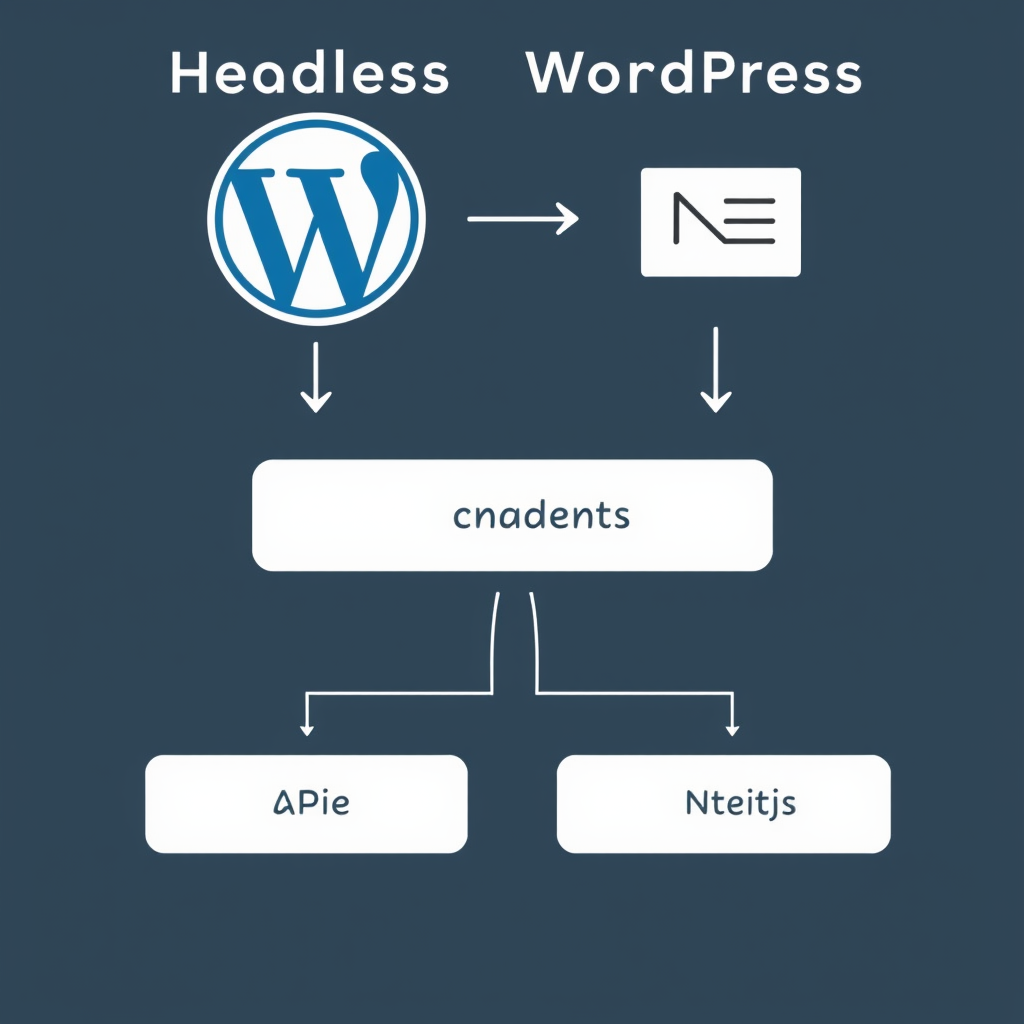
Introduction: Why Headless WordPress with Next.js?
Headless WordPress combined with Next.js represents one of the most powerful modern web development stacks available today. This architecture separates content management (handled by WordPress) from presentation (delivered by Next.js), offering unparalleled flexibility, performance, and developer experience.
While traditional WordPress sites have long been monoliths, the headless approach allows you to leverage WordPress’s robust content management capabilities while delivering lightning-fast, modern web experiences through Next.js’s hybrid rendering and edge capabilities.
Key Benefits and Strategic Advantages
Unmatched Flexibility
With headless WordPress, you’re no longer constrained by WordPress theme limitations. You can build completely custom user interfaces, progressive web apps, or even native mobile experiences while still benefiting from WordPress’s content management, taxonomy systems, and built-in SEO tools.
Superior Performance
Next.js’s static site generation (SSG) and edge caching capabilities deliver exceptional performance out of the box. By pre-rendering pages at build time and leveraging edge networks, you achieve sub-second load times while maintaining dynamic content capabilities through WordPress’s REST and GraphQL APIs.
Developer Experience
The combination provides a modern React/JavaScript development workflow while leveraging WordPress’s proven content management interface. Developers get the best of both worlds: WordPress’s admin interface for content creators and Next.js’s superior development tools for frontend engineers.
Step-by-Step Implementation Guide
1. Prerequisites and Planning
Before starting, ensure you have:
- A WordPress site with REST API and optional GraphQL plugin enabled
- Next.js project set up (I’ll outline the CLI commands)
- Basic understanding of React.js and WordPress REST API
- Deployment strategy planned (Vercel, Netlify, or self-hosted)
2. Setting Up Your Next.js Project
Start with a clean Next.js project using the latest App Router and TypeScript:
npx create-next-app@latest headless-wp-nextjs \
  --typescript \
  --eslint \
  --app \
  --tailwind \
  --import-alias "@/*" \
  --src-dir

# Install required dependencies
npminstall @types/node fetch
npm install axios graphql @graphql-yoga/client
3. Connecting to WordPress API
Create a WordPress API client in your Next.js project. Here’s a robust setup:
// lib/wordpress.ts
import axios from 'axios'
import {GraphQLClient} from 'graphql-yoga'

export const wpConfig = {
  restUrl: process.env.NEXT_PUBLIC_WORDPRESS_REST_URL || 'https://your-wordpress-site.com/wp-json',
  graphqlUrl: process.env.NEXT_PUBLIC_WORDPRESS_GRAPHQL_URL || 'https://your-wordpress-site.com/graphql',
  nextApiUrl: '/api/wordpress'
}

// REST API client
export const wpRestClient = axios.create({
  baseURL: wpConfig.restUrl,
  headers: {
    'Content-Type': 'application/json'
  }
})

// GraphQL client (optional)
export const wpGraphqlClient = new GraphQLClient(wpConfig.graphqlUrl, {
  headers: {
    'Content-Type': 'application/json'
  }
})
4. Creating WordPress Blocks for Next.js
WordPress Gutenberg blocks can be consumed directly in Next.js. Here’s how to set up block retrieval:
// lib/blocks.ts
export async function fetchBlocks() {
  try {
    const response = await wpRestClient.get('/wp/v2/blocks?per_page=100')
    return response.data
  } catch (error) {
    console.error('Error fetching blocks:', error)
    return []
  }
}
5. Building Dynamic Pages
Create dynamic page generation using Next.js’s `generateStaticParams` for SSG and `fetch` for runtime data:
// app/blog/[slug]/page.tsx
export async function generateStaticParams() {
  const posts = await wpRestClient.get('/wp/v2/posts?per_page=100')

  return posts.data.map((post: any) => ({
    slug: post.slug
  }))
}

export default async function BlogPost({ params }: { params: { slug: string } }) {
  const post = await wpRestClient.get(`/wp/v2/posts?slug=${params.slug}`)
  const postData = post.data[0]

  return {
    props: {
      post: postData,
      // revalidate for updates every 60 seconds
      revalidate: 60
    }
  }
}
Best Practices for Production
Performance Optimization
Implement these performance-critical practices:
- Use Next.js’s image optimization for WordPress media
- Implement ISR (Incremental Static Regeneration) for frequently updated content
- Leverage WordPress’s built-in caching headers
- Use the WordPress GraphQL endpoint for selective data fetching
- Implement proper preload strategies for critical resources
Security Considerations
Protect your headless setup:
- Use environment variables for all API credentials
- Implement rate limiting on your Next.js API routes
- Validate and sanitize all WordPress content on the frontend
- Use HTTPS throughout your stack
- Implement CORS policies correctly
Migration Strategies
When migrating from a traditional WordPress site, consider these approaches:
Incremental Migration
Start by converting specific sections or pages to headless, keeping core functionality on the original WordPress theme. This reduces risk and allows teams to adapt gradually.
Data Export and Import
Use WordPress’s export/import tools or direct database migration for content. For custom fields and meta data, consider custom WordPress REST API endpoints or GraphQL integrations.
Future-Proofing Your Architecture
Headless WordPress with Next.js provides a foundation that can evolve with your needs:
- Build mobile apps using the same WordPress content via Next.js’s API
- Create admin dashboards with Next.js admin panels
- Leverage edge functions for dynamic personalization
- Implement A/B testing and feature flags
- Create static landing pages that pull content from WordPress
Conclusion
Headless WordPress with Next.js offers a powerful combination that addresses modern web development challenges. By separating content management from presentation, you gain unprecedented flexibility, performance, and scalability while maintaining the robustness of WordPress’s ecosystem.
The implementation requires careful planning and execution, but the results—lightning-fast websites with complete design freedom—make it worth the investment. Start with clear objectives, implement gradually, and focus on delivering exceptional user experiences while leveraging WordPress’s proven content management capabilities.
Leave a Reply