Progressive Web Apps (PWAs) represent the cutting edge of web development, offering the reliability and performance of native apps while maintaining the accessibility and discoverability of regular web pages. When combined with WordPress, PWAs unlock powerful capabilities that transform traditional content management sites into high-performing, resilient digital experiences.
The Power of PWAs for WordPress
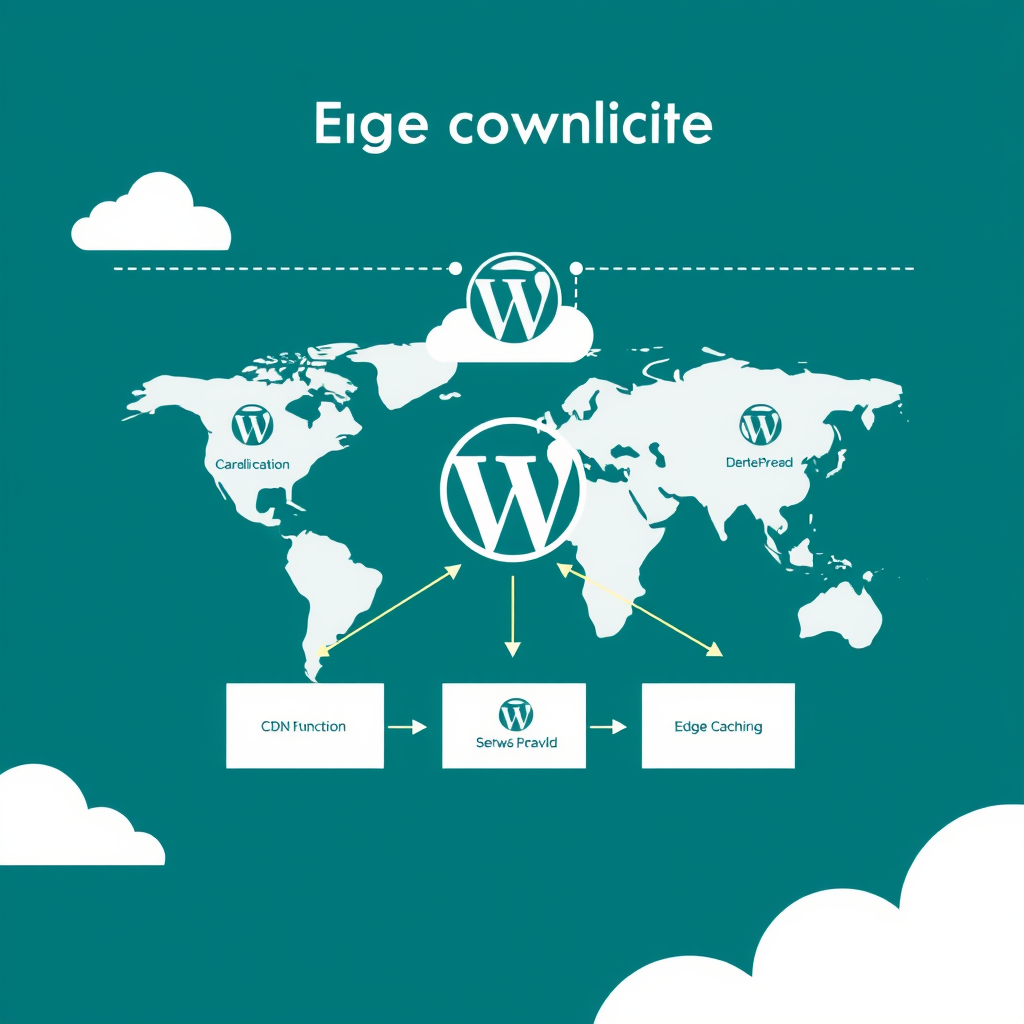
WordPress sites enhanced with PWA technology deliver exceptional user experiences by working seamlessly offline, loading instantly, and providing smooth interactions even on slower networks. This is particularly valuable for WordPress sites that serve global audiences, operate in areas with unreliable internet connectivity, or need to maximize performance across all devices.
Enabling Offline Functionality in WordPress PWAs
The foundation of any effective PWA for WordPress starts with service workers—background scripts that intercept network requests and cache assets, content, and API responses. Service workers enable your WordPress site to function completely offline by storing critical resources during the initial page load.
To implement effective offline functionality, start by identifying what your WordPress site needs to work offline. This typically includes:
- Core site assets (CSS, JavaScript, images)
- Critical content pages and posts
- API responses for essential data
- Offline fallbacks for failed requests
Implement a strategic caching strategy that prioritizes content over non-essential assets. Use cache persistence to ensure your WordPress site remains functional even after browser restarts, and consider implementing cache updates that don’t require users to refresh their entire experience.
Speed Optimization for WordPress PWAs
Performance optimization goes hand-in-hand with offline functionality. WordPress PWAs benefit from several key optimization strategies:
- Code splitting and lazy loading: Break down WordPress JavaScript into smaller chunks and load components only when needed
- Image optimization: Use modern formats like WebP and implement responsive image techniques
- Font optimization: Load only necessary fonts and implement font display swapping
- Asset compression: Enable Brotli and gzip compression for all static assets
- Server-side rendering (SSR): Combine WordPress with SSR frameworks for faster initial loads
The key is to optimize both the initial load performance and subsequent interactions. WordPress sites benefit from a combination of server-side rendering for initial content delivery and client-side rendering for interactive experiences.
WordPress PWA Implementation Checklist
When implementing PWAs for WordPress, follow this systematic approach:
Phase 1: Foundation Setup
1. Add a manifest.json file that defines your WordPress PWA’s app properties, including name, icons, and display mode.
2. Register a service worker in your WordPress theme or plugin that handles caching and offline functionality.
3. Configure HTTPS to ensure secure delivery of your WordPress PWA.
Phase 2: Core Features
1. Implement effective caching strategies for WordPress content and assets.
2. Add offline fallbacks and error pages for failed WordPress requests.
3. Optimize WordPress performance with modern web techniques.
Phase 3: Advanced Features
1. Add background sync capabilities for WordPress forms and actions.
2. Implement push notifications for WordPress updates and content.
3. Add web app installation prompts for better user engagement.
Performance Monitoring and Optimization
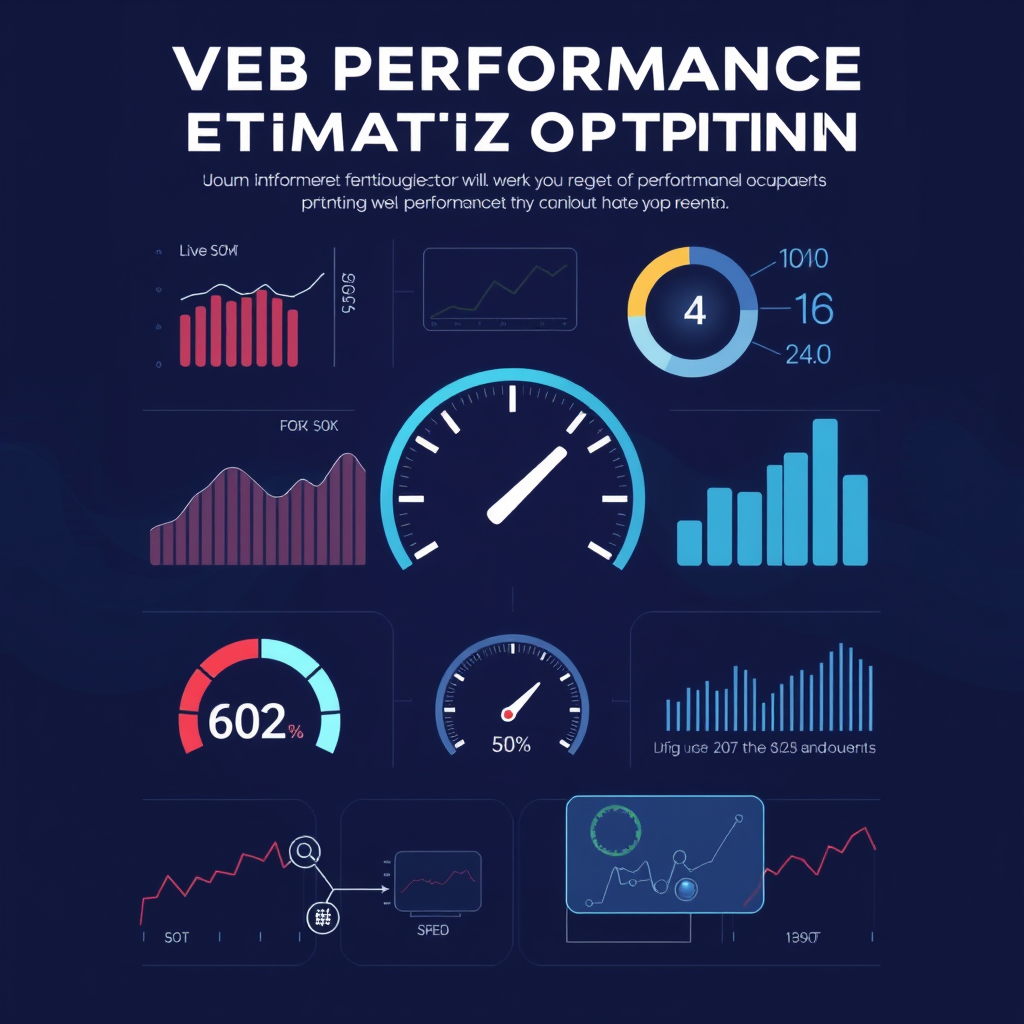
Continuously monitor your WordPress PWA performance using tools like Google PageSpeed Insights, Web Vitals, and Lighthouse. Track key metrics including:
- First Contentful Paint (FCP)
- Largest Contentful Paint (LCP)
- First Input Delay (FID)
- Cumulative Layout Shift (CLS)
- Offline functionality success rate
Regular performance audits will help you maintain optimal speed and reliability for your WordPress PWA. Address any performance regressions quickly, as PWAs require more stringent performance standards than traditional websites.
The Future of WordPress PWAs
As web technology evolves, PWAs for WordPress will become increasingly essential. New web platform features, like WebGPU and advanced offline capabilities, will continue to enhance what PWAs can achieve.
WordPress sites that embrace PWA technology today will gain a significant competitive advantage, offering users exceptional experiences that work reliably across all conditions. Whether serving global audiences or users with limited connectivity, PWAs empower WordPress sites to deliver consistently high-performance experiences that keep users engaged and satisfied.