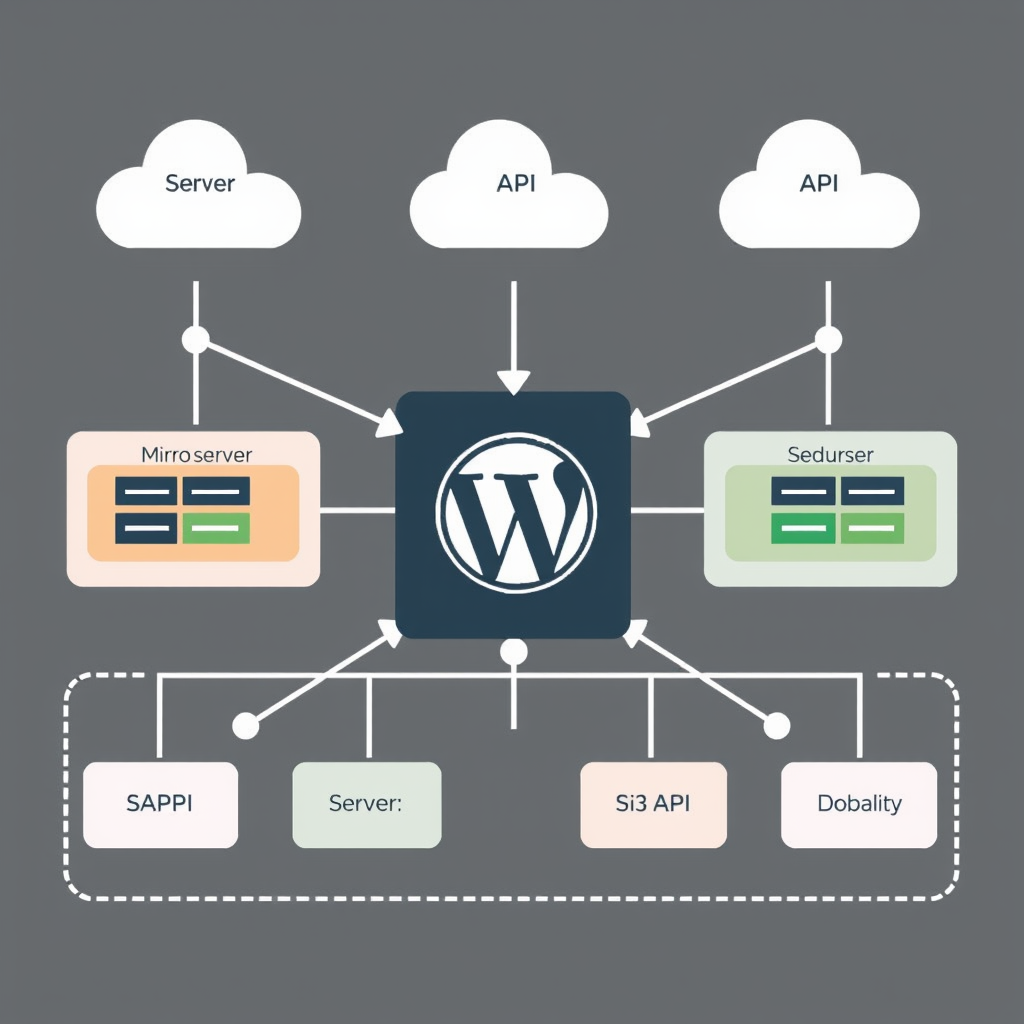
WordPress powers millions of websites, but as sites grow, the traditional monolithic architecture can become a bottleneck. Microservices architecture patterns offer a way to break down complex applications into smaller, more manageable components. However, for small WordPress sites, this approach requires careful consideration. Let’s explore practical microservices patterns that make sense for WordPress sites with limited resources and teams.
Understanding Microservices for WordPress
Microservices architecture involves breaking a single application into multiple independent services, each with its own specific function. For WordPress sites, this means separating concerns like content delivery, authentication, payment processing, or analytics into distinct, independently deployable components.
While the benefits of microservices (scalability, fault isolation, team autonomy) are well-documented, they come with trade-offs: increased operational complexity, network latency, and the need for sophisticated tooling. For small WordPress sites, the key is choosing patterns that solve real problems without introducing unnecessary complexity.
Pattern 1: Headless WordPress for Content Delivery
The most practical microservices pattern for small WordPress sites is the headless approach, where WordPress serves primarily as a content management system through its REST or GraphQL APIs, while the frontend is handled by a separate application.
Benefits for small sites: You get the power of WordPress content management while enabling modern frontends (React, Vue, Next.js) or even mobile apps. Each can evolve independently, and you can serve content through multiple channels (web, mobile, IoT devices) from the same source.
When to use it: Sites requiring multiple frontends (web + mobile app), content needing to be distributed across platforms, or teams wanting to use different frontend technologies. Even small business sites can benefit from this approach if they’re planning future expansion.
Pattern 2: Plugin Isolation Microservices
Instead of using traditional WordPress plugins that extend the core functionality, you can create isolated microservices for critical functionalities like e-commerce, search, or analytics.
Example: Instead of a WooCommerce plugin, use an e-commerce microservice that handles products, inventory, and orders through a dedicated API. This isolates the complexity and potential issues from your main WordPress installation.
Small site advantage: You get the reliability and performance benefits of dedicated services without the overhead of maintaining a fully separate application. The WordPress site becomes primarily a content management frontend for these specialized services.
Pattern 3: API-First WordPress Architecture
Design WordPress to be an API provider first, with the admin interface being a secondary concern. This pattern involves exposing all content and functionality through well-defined REST or GraphQL endpoints.
Key benefits: Any application can consume your WordPress content (websites, mobile apps, IoT devices, third-party integrations). This future-proofs your site and allows you to leverage other modern web technologies without being locked into WordPress’s traditional frontend limitations.
Implementation approach: Use WordPress REST API or plugins like WPGraphQL to create a comprehensive API. Keep the typical WordPress admin interface available for content management, but design all production applications to interact with your API directly.
Pattern 4: Database Partitioning Strategies
Even for small WordPress sites, database performance can become a bottleneck. Microservices patterns can help by partitioning your data logically across different database instances or schemas.
Practical approach: Separate user data from content, analytics data from transactional data, or e-commerce data from blog content. This allows you to scale the most critical parts independently and apply different optimization strategies to different data types.
Small site implementation: Start with database table partitioning within WordPress, then move to separate database instances as needed. Many WordPress database partitioning plugins make this approach accessible even for non-database experts.
When to Stay Monolithic
Not every problem requires a microservices solution. For small WordPress sites, staying monolithic makes sense in these scenarios:
- Very small traffic (fewer than 10,000 monthly visitors)
- Single-purpose sites (blog, portfolio, simple brochure site)
- Limited technical resources (one developer or non-technical owner)
- Simple functionality requirements
- Tight budget constraints
The key is to evolve your architecture as your site grows. Start simple, monitor performance and complexity, and transition to microservices patterns when the benefits clearly outweigh the costs.
Implementation Roadmap for Small Teams
Transitioning to microservices doesn’t require a big-bang approach. Here’s a practical roadmap:
- Month 1-2: API Foundation – Set up WordPress REST API or WPGraphQL. Create a simple frontend that consumes this API.
- Month 3-4: Content Delivery Separation – Move to headless architecture for new features or sections.
- Month 5-6: Service Isolation – Identify the most critical plugin or functionality to isolate into a microservice.
- Month 7-8: Database Optimization – Implement basic partitioning strategies.
- Month 9-12: Full Microservices Integration – Combine patterns based on your site’s specific needs.
This gradual approach allows you to learn and adapt without overwhelming your team or budget.
Tools and Technologies for WordPress Microservices
Several modern tools make microservices patterns accessible to WordPress site owners:
- Headless CMS Options: Next.js, Gatsby, Nuxt.js for frontend applications
- API Management: wpGraphQL, REST API plugins, API Gateway solutions
- Service Communication: REST APIs, GraphQL, message queues for async processing
- Database Tools: WordPress database partitioning plugins, managed database services
- Monitoring and Orchestration: Docker, Kubernetes (for advanced scenarios), monitoring tools
Start with the simplest tools that solve your immediate problems. You can always add more sophisticated solutions as your microservices architecture matures.
Key Takeaways
Microservices architecture patterns can provide significant benefits for WordPress sites, including improved scalability, fault isolation, and development flexibility. However, for small sites, the key is choosing patterns that solve real problems without introducing unnecessary complexity.
Start with the headless WordPress pattern or API-first approach as foundational steps. Gradually evolve your architecture based on your site’s growth and complexity. The goal isn’t to create a full microservices infrastructure for every site, but to build an architecture that supports your current needs while allowing for future growth.
Remember: Architecture is a means to an end, not an end in itself. Focus on solving real problems for your site visitors and users, rather than implementing architectural patterns for their own sake.
Leave a Reply