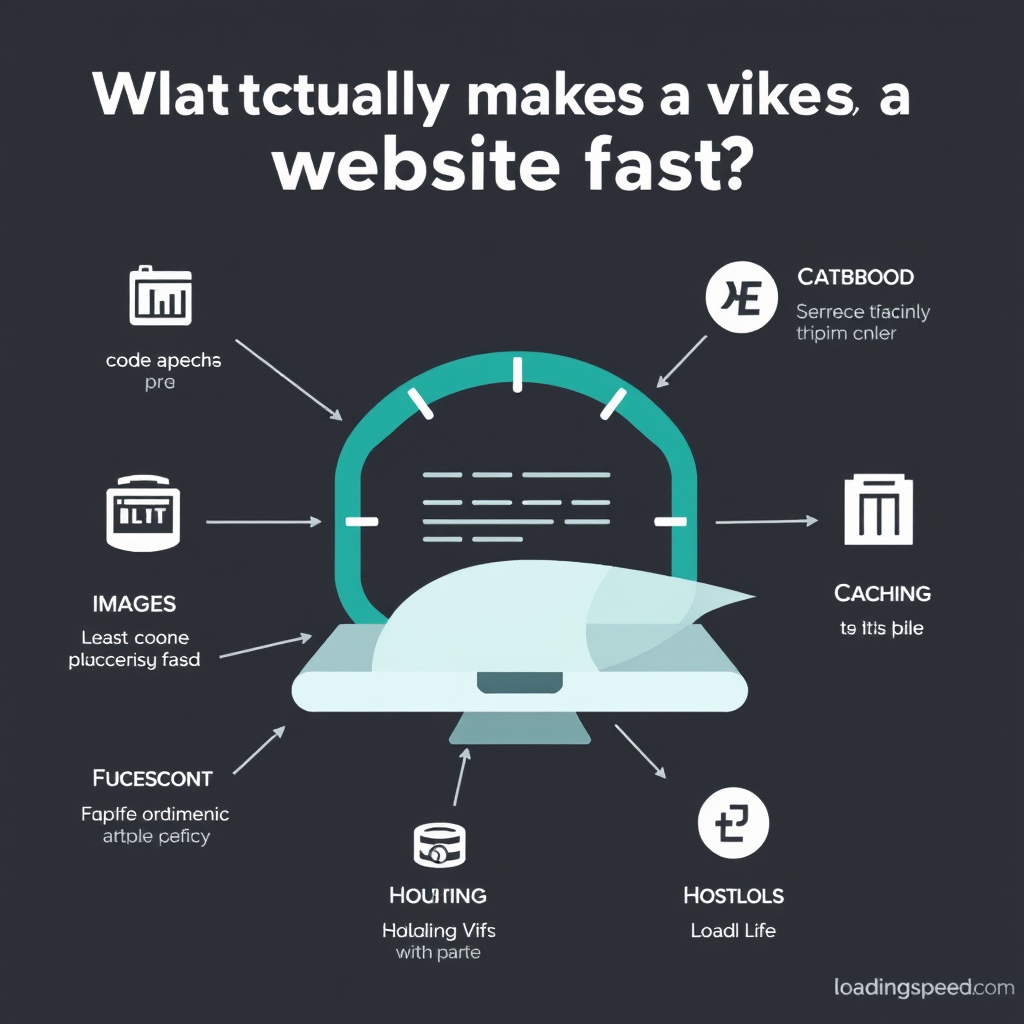
What Makes a Website Fast
Ever wondered why some websites load instantly while others feel like they’re crawling along? The difference isn’t just about having better computers or internet connections. Here’s a plain English breakdown of what actually makes websites fast.
The Two Main Players
Website speed comes down to two main factors: how fast the visitor’s device can work and how efficiently the website sends and receives information.
The Visitor’s Side of Things
First, let’s look at what’s happening on the person’s device trying to view your site.
Modern Browser, Happy Browser – When someone uses a current version of Chrome, Firefox, Safari, or Edge, your website generally works better because browsers get updates that make them faster and more efficient.
Internet Connection – A faster internet connection always helps, but good website design can make a huge difference even on slower connections.
Device Power – Newer phones, tablets, and computers have better processors and more memory, so they can load and run websites more quickly.
Settings Matter – If someone has lots of apps running, old photos cached, or their browser settings aren’t optimized, it can slow things down.
Now, the Website’s Side of Things
This is where you (as a website owner) have the most control. Here’s what makes your site load quickly for visitors.
The Content You Choose
Images and Videos – Large images and videos are the biggest speed killers. A photo that’s 5 MB loads much slower than one that’s 50 KB, even though they look similar. Modern websites can show the same picture in different sizes depending on the device, so a visitor on a phone might get a smaller, faster-loading version than someone on a desktop.
Text Content – Plain text is incredibly lightweight. A 1,000-word article has minimal impact on loading speed. It’s when you add lots of images, videos, and complex formatting that things slow down.
How Your Site Works Behind the Scenes
Smart Loading – Modern websites can load content only when needed. Think about how Netflix only downloads the movie you’re watching, not every movie on the service.
Cache Magic – When your website stores copies of itself in visitors’ browsers or on servers around the world, repeat visitors get instant access because the heavy lifting happened before.
Simple Code – Websites are built with programming languages. Clean, modern code is more efficient than old, messy code. Think of it like writing: clear, simple sentences are easier to read than a paragraph full of complex, tangled grammar.
The Technical Infrastructure
Good Hosting – Your website needs a computer (server) to live on. A quality host is like a well-organized office space, while a poor host might be like trying to work from someone’s garage.
Content Delivery Networks – These are like having copies of your website at different locations around the world. When someone in New York visits your site, they get it from the New York copy rather than waiting for it to travel from California.
Modern Tools – Websites today have access to amazing technology that automatically optimizes images, minifies code, and handles many speed-related tasks behind the scenes.
The Speed Hierarchy
Not all speed factors are equally important. Here’s what makes the biggest difference:
First Tier (Massive Impact) – Large images and videos, poor hosting quality
Second Tier (Significant Impact) – Unoptimized browser settings, too many animations or effects
Third Tier (Smaller Impact) – Slightly larger text files, older web technologies
Understanding this helps you focus your energy on what will actually make the biggest difference.
Common Speed Problems (and Quick Fixes)
Even well-intentioned website owners make speed-killing mistakes:
The Image Pounding Problem – Adding dozens of photos when a couple of well-chosen images would tell the story just as well.
The Video Without Controls Problem – Autoplay videos automatically start playing when someone visits, immediately slowing down the entire page.
The Many Plugins Problem – Installing dozens of website tools when only a few are actually needed.
The No Mobile Check Problem – Building a website that works great on desktop but looks like a mess on phones.
Quick fixes: Use smaller images, let visitors control videos, keep plugins minimal, and ensure your site works well on mobile devices.
Why Speed Actually Matters
Speed isn’t just about convenience. A fast website helps you rank better in search engines like Google, makes visitors stay longer, and creates a better overall impression.
Think about it: would you rather walk into a store that’s clean, organized, and welcoming, or one that’s cluttered and difficult to navigate? Visitors feel the same way about websites. A slow website feels unprofessional, while a fast one feels responsive and well-maintained.
Speed also affects your business: frustrated visitors leave your site quickly, which hurts your chances of making a sale or getting them to subscribe to your newsletter.
Bottom Line
Making a website fast comes down to:
- Choosing smarter content (smaller images, needed videos, clean text)
- Using good hosting and modern web tools
- Keeping things simple (fewer unnecessary features)
- Ensuring it works well on mobile devices
The best-performing websites aren’t necessarily the most complex or feature-rich ones. They’re the ones that prioritize speed, choose their content wisely, and work efficiently behind the scenes.
Next time you visit a slow website, remember: it’s usually a combination of factors, and the good news is that most of them can be improved with the right approach and tools.
Leave a Reply