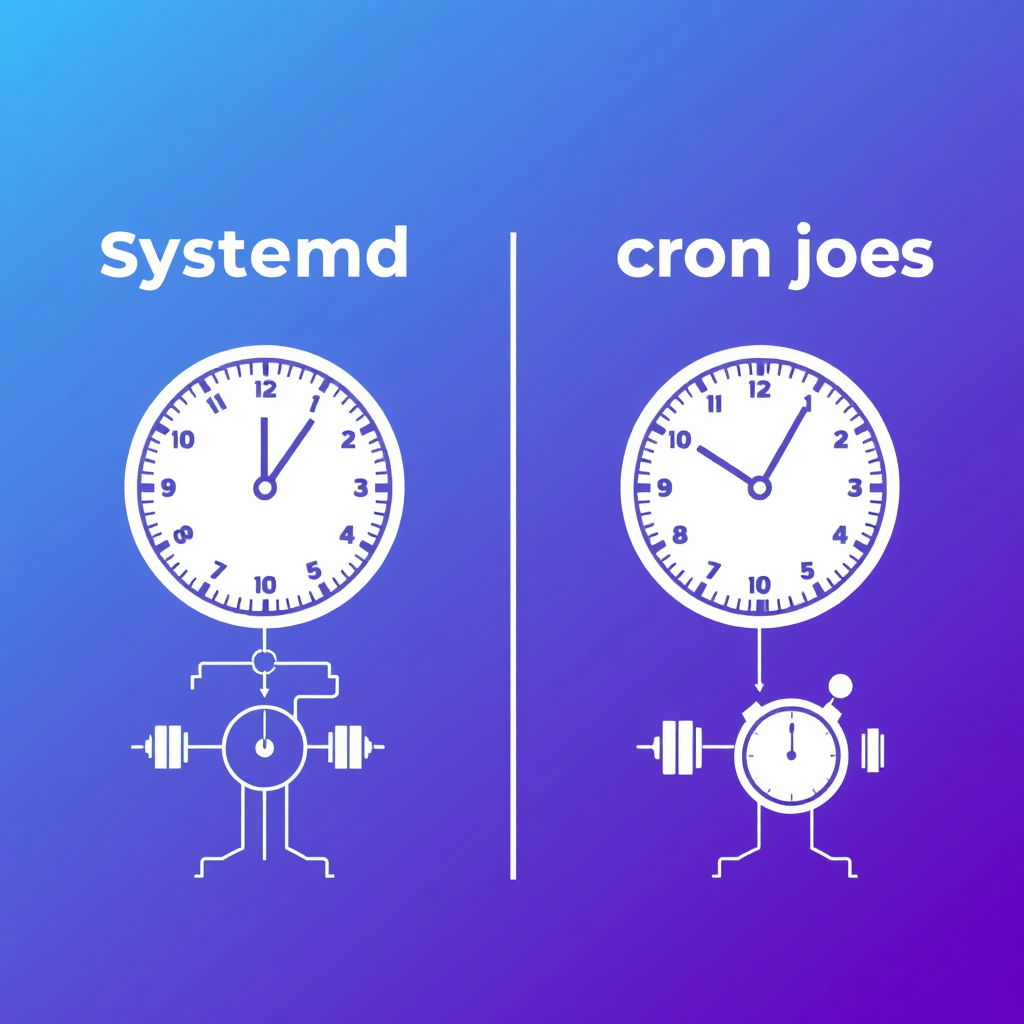
If you’ve spent any time working with modern Linux systems, you’ve probably encountered systemd timers. They look similar to cron jobs but work very differently. Let’s break down exactly what a systemd timer does and why it matters.
What is a systemd timer?
A systemd timer is essentially a scheduled task that runs at specific times on a Linux system, but instead of being configured through cron’s text files, it’s defined as a service and timer unit in systemd. Think of it as the modern, more sophisticated replacement for cron jobs.
How it actually works
When systemd starts, it monitors all timer units (files ending in .timer). Each timer contains two key pieces of information:
- A schedule: When the timer should trigger
- A service to run: What command or program should execute
Unlike cron which has a separate daemon checking schedules constantly, systemd timers are checked much more efficiently. The system wakes up at specific intervals to check if any timers should fire – typically every second or so. This makes systemd more power-efficient than traditional cron.
Real-world example
Imagine you want to automatically clean up temporary files every hour. With systemd timers, you’d create:
A
cleanup.servicethat contains the commands to clean temporary files, andA
cleanup.timerthat says “run every 60 minutes” and “when it runs, execute cleanup.service
That’s it! No crontab editing, no daemon reloads. Just create these two files and systemd handles the scheduling automatically.
Key advantages over cron
Systemd timers offer several improvements over traditional cron:
- Better integration with systemd’s service management
- More precise timing with second-level accuracy
- Dependency management – timers can depend on other services being ready
- Better logging through systemd’s journal
- Centralized configuration alongside other systemd units
Common misconceptions
Some people think systemd timers replace cron entirely, but they often coexist. If you’re already using cron, systemd timers are great for new automation while keeping existing cron jobs running.
Another misconception is that timers always consume lots of power. Actually, systemd puts the system to sleep between timer checks, making it quite power-efficient compared to cron’s constant checking.
Bottom line
Systemd timers are simply scheduled tasks that work alongside other systemd services. They’re part of a larger ecosystem of system management tools that make modern Linux systems run smoothly. If you want to automate tasks on Linux, systemd timers are often the cleanest, most integrated solution available.
Leave a Reply