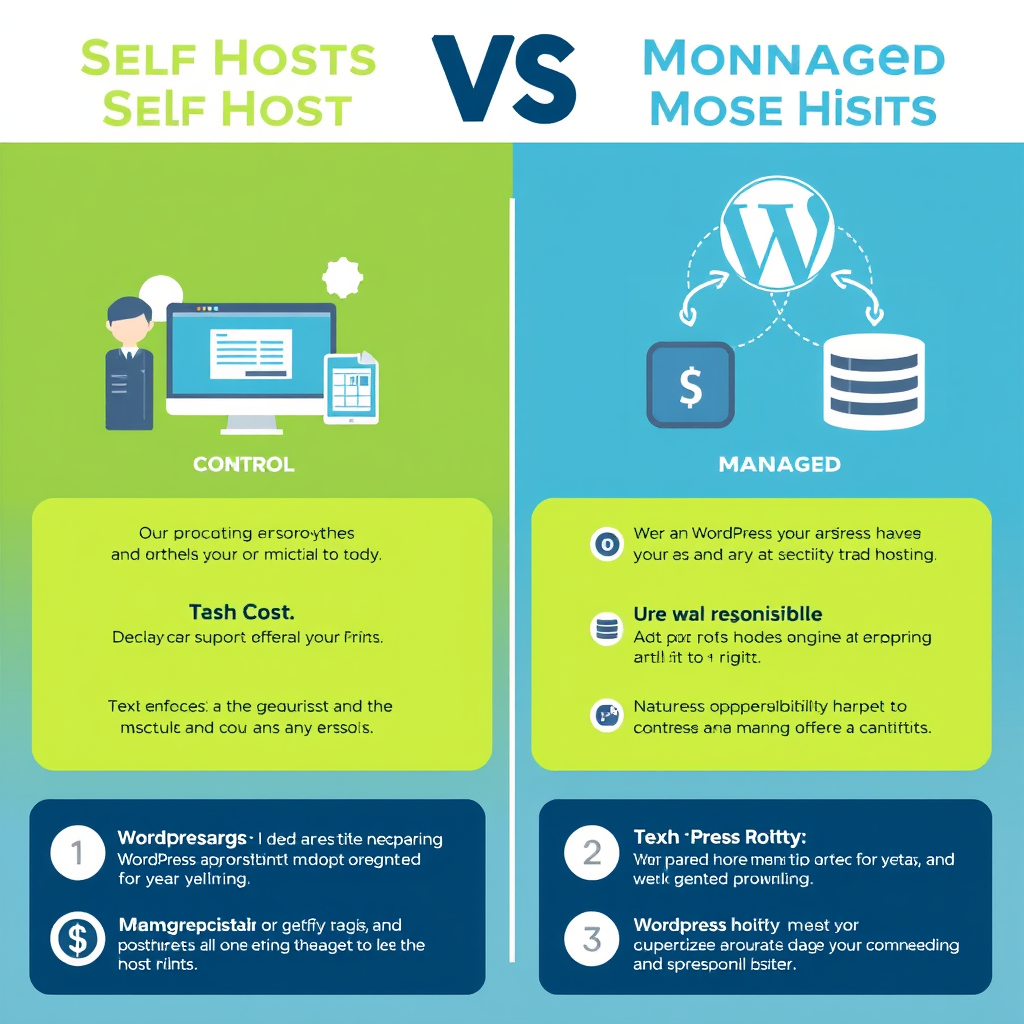
Choosing between self-hosting WordPress and using a managed WordPress hosting service is one of the most critical decisions you’ll make when building your website. Each approach offers distinct advantages and comes with its own set of trade-offs that impact everything from your technical responsibilities to your budget and scalability options.
Control and Customization
Self-hosting gives you complete control over your WordPress installation, server configuration, and entire stack. You can install any plugin, theme, or custom code without restrictions from a hosting provider. This flexibility allows you to fine-tune performance optimizations, implement custom security measures, and adapt the environment to your specific needs. You have root access and full administrative privileges, making it ideal for complex applications, custom integrations, or when you need to implement specific security configurations.
Managed WordPress hosting, while often providing some level of customization through client areas, typically operates within predefined boundaries. These providers may restrict certain plugins, limit server-level modifications, or enforce specific security configurations for the sake of stability and security across their shared infrastructure. However, they usually provide user-friendly interfaces for common tasks and standardized configurations that work well out of the box.
Technical Responsibility vs. Managed Support
With self-hosting, you’re responsible for server management, including backups, security updates, performance monitoring, and troubleshooting. This requires technical expertise in areas like server administration, SSL management, database optimization, and dealing with server downtime or security breaches. You’ll need to invest time in learning these skills or hire specialists to manage your infrastructure.
Managed WordPress hosting typically includes server maintenance, security patches, daily backups, and performance optimization as part of the service. Most providers offer 24/7 support, handling server-level issues and providing expert guidance. This allows you to focus on content creation and business growth rather than technical maintenance. However, this convenience comes at the cost of reduced direct control over the underlying infrastructure.
Performance and Speed Considerations
Self-hosting allows you to optimize server performance to the fullest extent. You can fine-tune PHP configurations, implement advanced caching strategies, choose the best database servers, and optimize your web server (Nginx/Apache) for your specific workload. You can also invest in premium hardware and SSD storage tailored to your needs. However, you must handle performance issues manually and may need to scale your infrastructure as your traffic grows.
Managed WordPress hosts often provide optimized server configurations out of the box, typically using SSD storage, CDN integration, and pre-configured caching. Many providers specialize in WordPress performance and can achieve excellent speed results without your intervention. However, their standardized approach may not be as finely tuned for your specific use case, and scaling often requires upgrading to higher pricing tiers.
Cost Structure and Budget Planning
Self-hosting involves upfront and ongoing costs: domain registration, hosting server fees (typically $5-15/month for basic VPS, $50-200+ for premium servers), security software, backup solutions, and potentially development tools. While you can optimize costs by choosing smaller servers and implementing cost-saving measures, you still need to budget for infrastructure redundancy and failover solutions.
Managed WordPress hosting typically follows subscription models ranging from $15-50/month for basic plans to $100+/month for premium enterprise solutions. These packages often bundle additional services like SSL certificates, CDN usage, and support. While potentially more expensive for simple sites, managed hosting can be more cost-effective for businesses that would otherwise need to invest significant time or hire staff for server management.
Security and Compliance
Self-hosting puts security entirely in your hands. You must implement and manage firewalls, intrusion detection systems, SSL certificates, regular security audits, and vulnerability scanning. While this gives you full control to implement specialized security measures tailored to your industry requirements, it also increases your attack surface and responsibility for staying current with security patches and best practices.
Managed WordPress providers typically include security as part of their service package, offering automated security scans, malware removal, DDoS protection, and regular security updates. Many specialize in WordPress security and have established processes for handling security incidents. However, their security measures may be more generic and less tailored to your specific requirements, and you may have less visibility into their security practices.
Scalability and Reliability
Self-hosting allows you to scale your infrastructure incrementally as your needs grow. You can upgrade server resources, add load balancers, implement distributed systems, and use multiple data centers for geographic redundancy. However, this requires careful planning, potential downtime during upgrades, and significant technical expertise to implement proper scaling strategies.
Managed WordPress hosting typically provides easier scalability through their infrastructure, often allowing you to upgrade plans or add sites without major technical changes. Many providers offer load balancing, automatic failover, and global CDN distribution. However, scaling options may be limited to their provided templates, and significant architectural changes might require migrating to different service tiers or providers.
When to Choose Each Approach
Choose self-hosting when you need maximum control over your infrastructure, have specific technical requirements, possess or can hire technical expertise, require highly customized solutions, or have budget constraints that favor long-term investments over monthly subscriptions. It’s also ideal for development environments, testing platforms, or when you need to implement cutting-edge technologies not yet supported by managed providers.
Opt for managed WordPress hosting when you prioritize time savings, want professional support included, lack technical expertise, need rapid deployment, value predictable monthly costs, or require enterprise-level reliability and support. It’s particularly suitable for small to medium businesses, agencies serving multiple clients, content-heavy sites requiring optimal performance, or when you need to focus on core business activities rather than technical maintenance.
Hybrid Approaches
Many modern setups combine both approaches, using managed hosting for production while maintaining self-hosted development and staging environments. Some businesses use managed hosting for primary sites while self-hosting for experimental projects or specific client work. This hybrid approach allows you to leverage the convenience of managed hosting while maintaining flexibility for specialized requirements.
The optimal solution often evolves over time as your skills, requirements, and business needs change. Many successful websites start with managed hosting for simplicity, then transition to self-hosting as their technical capabilities and infrastructure needs mature. This evolution reflects the growing maturity of your organization and the increasing complexity of your web infrastructure requirements.
Leave a Reply