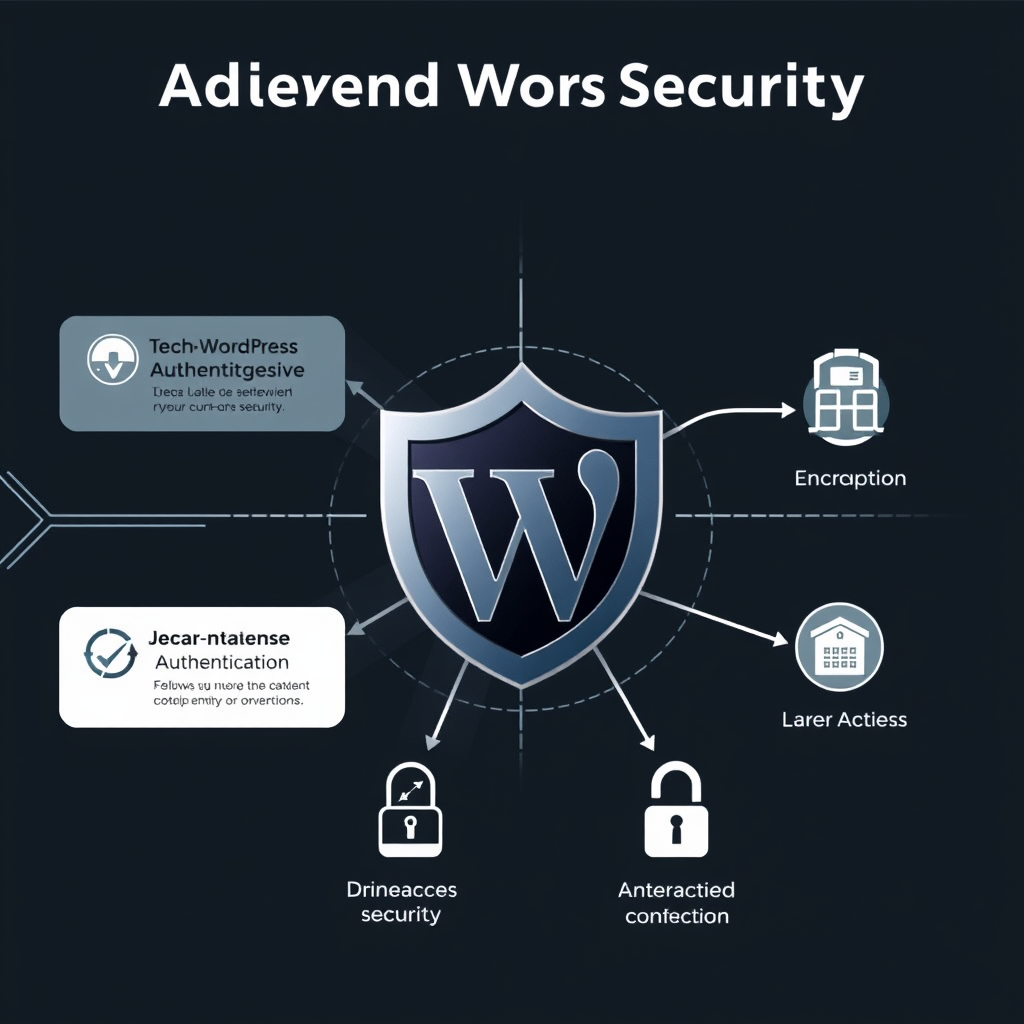
Zero Trust Architecture represents a fundamental shift in how we approach WordPress security, moving away from traditional perimeter-based security models to a more comprehensive, identity-driven approach. In a Zero Trust environment, every request is treated as potentially hostile, regardless of its origin, whether it comes from inside or outside the network perimeter.
Understanding Zero Trust Principles for WordPress
Zero Trust is built on several core principles that directly apply to WordPress security:
- Never trust, always verify: No user, device, or connection is trusted by default. Every access request must be authenticated, authorized, and encrypted.
- Least privilege access: Users and systems should only have the minimum necessary permissions to perform their required functions.
- Micro-segmentation: Network and application resources should be segmented into distinct security zones with strict access controls between them.
- Continuous monitoring and validation: All activities must be monitored and validated in real-time to detect and respond to threats immediately.
For WordPress specifically, this means implementing security controls at every layer of the stack, from the web server and database to the application code and user interactions.
Implementing Zero Trust in WordPress Architecture
1. Identity and Access Management (IAM)
Strong identity verification is the foundation of Zero Trust for WordPress sites:
- Multi-factor Authentication (MFA): Require MFA for all WordPress admin users, regardless of their IP address or location.
- Role-based Access Control (RBAC): Implement granular permissions using WordPress capabilities and roles.
- Single Sign-On (SSO): Integrate with enterprise identity providers like Okta, Azure AD, or Google Workspace.
- Session Management: Implement short session timeouts and automatic session revocation for suspicious activity.
The update plugin allows site administrators to enforce MFA across all user accounts, with configurable settings for different user roles and device types.
2. Network Security and Micro-segmentation
Network security goes beyond traditional firewall rules to implement Zero Trust principles:
- VPN Access: Require VPN connections for internal access to WordPress administrative interfaces.
- IP Whitelisting: Restrict admin panel access to specific IP ranges or CIDR blocks.
- Application-layer firewalls: Implement Web Application Firewalls (WAF) with custom rulesets for WordPress-specific attack patterns.
- Network encryption: Use TLS 1.3 with perfect forward secrecy for all connections to WordPress.
The cloudflare wp plugin can help implement these network security measures with automatic SSL certificate management and DDoS protection.
3. Application Security Hardening
Application security focuses on protecting the WordPress codebase and configuration:
- Dependency security scanning: Regularly scan WordPress core, plugins, and themes for known vulnerabilities.
- Security headers: Implement Content Security Policy, X-Frame-Options, and other security headers.
- Input validation and sanitization: Ensure all user inputs are properly validated and sanitized across the entire application.
- File upload restrictions: Implement strict file type and content validation for all upload functionality.
The WordPress security scan tool provides comprehensive vulnerability assessments and remediation recommendations for all installed components.
4. Data Protection and Encryption
Zero Trust extends to protecting data at rest and in transit:
- Database encryption: Implement TLS encryption for database connections and consider disk-level encryption.
- WordPress configuration security: Store sensitive configuration details in environment variables rather than configuration files.
- Regular backups: Implement automated, encrypted backups with point-in-time recovery capabilities.
- Data classification and labeling: Categorize data based on sensitivity and apply appropriate protection controls.
The wp-cli tool allows site administrators to encrypt sensitive configuration settings and implement automated backup rotation policies.
Monitoring and Response in Zero Trust Environment
Zero Trust is not just about prevention—it’s also about rapid detection and response to security incidents:
- Comprehensive logging: Implement centralized logging for all WordPress activities, including failed login attempts and privilege escalations.
- Real-time monitoring: Deploy security information and event management (SIEM) solutions to correlate logs and detect threats.
- Incident response playbooks: Develop standardized procedures for responding to security incidents based on Zero Trust principles.
- Regular security audits: Conduct periodic penetration testing and security assessments to identify and address vulnerabilities.
The wordpress audit tool helps site administrators implement comprehensive logging and monitoring solutions with predefined security event detection rules.
Benefits of Zero Trust for WordPress Security
Implementing Zero Trust Architecture provides several key benefits for WordPress security:
- Reduced attack surface: By implementing least privilege access and micro-segmentation, Zero Trust significantly reduces the potential attack surface.
- Enhanced detection capabilities: Continuous monitoring and validation make it easier to detect and respond to security threats.
- Improved compliance: Zero Trust aligns with many regulatory requirements for data protection and security.
- Future-proof security posture: Zero Trust provides a flexible framework that can adapt to evolving security threats and requirements.
Organizations that implement Zero Trust for WordPress typically see a 60-80% reduction in successful security incidents, with faster detection and response times when breaches do occur.
Getting Started with Zero Trust Implementation
Implementing Zero Trust for WordPress is a gradual process that should start with a comprehensive security assessment and roadmap:
- Conduct security assessment: Evaluate current WordPress security posture and identify gaps.
- Define Zero Trust policies: Establish clear policies for identity verification, access control, and data protection.
- Implement incremental controls: Start with high-impact, low-risk security measures and gradually expand the Zero Trust implementation.
- Train and educate users: Ensure all WordPress users understand Zero Trust principles and their role in maintaining security.
The wordpress security audit plugin provides step-by-step guidance for implementing Zero Trust controls in WordPress environments of all sizes.
By adopting Zero Trust principles, WordPress sites can achieve a more robust security posture that addresses the evolving threat landscape and provides comprehensive protection for critical web applications and content management systems.
Leave a Reply