Modern WordPress Security: A Complete Implementation Guide
In today’s digital landscape, WordPress powers over 40% of all websites, making it a prime target for cyber attackers. While WordPress itself is secure by default, proper implementation of security measures is crucial to protect your site, your users, and your reputation. This comprehensive guide covers everything from basic security hygiene to advanced threat prevention strategies.
1. Essential Security Foundations
Before implementing advanced security measures, establish these fundamental security practices:
Keep Everything Updated
Regular updates are your first line of defense:
Update WordPress core to the latest version immediately when released
Keep all plugins and themes updated to their latest versions
Use automatic updates for minor releases when appropriate
Monitor the WordPress security announcements for critical vulnerabilities
Use Strong Authentication
Implement robust authentication mechanisms:
Use complex passwords (minimum 12 characters with mixed case, numbers, and symbols)
Enable two-factor authentication (2FA) for all user accounts
Limit login attempts to prevent brute force attacks
Use plugins like WP Fastest Cache’s security features or separate 2FA solutions
2. Advanced Security Implementation
Once foundations are secure, implement these advanced security measures:
Implement SSL/TLS Certificates
HTTPS is now a security requirement, not a luxury:
Obtain and install SSL certificates from reputable providers
Configure HTTP Strict Transport Security (HSTS)
Ensure all site resources load over HTTPS
Implement certificate pinning for added security
Database Security
Your WordPress database contains sensitive information that requires special protection:
Use unique, strong database passwords
Change the default database prefix to something non-standard
Implement database backups using plugins like UpdraftPlus or BackupBuddy
Consider using WordPress Multisite for better security isolation
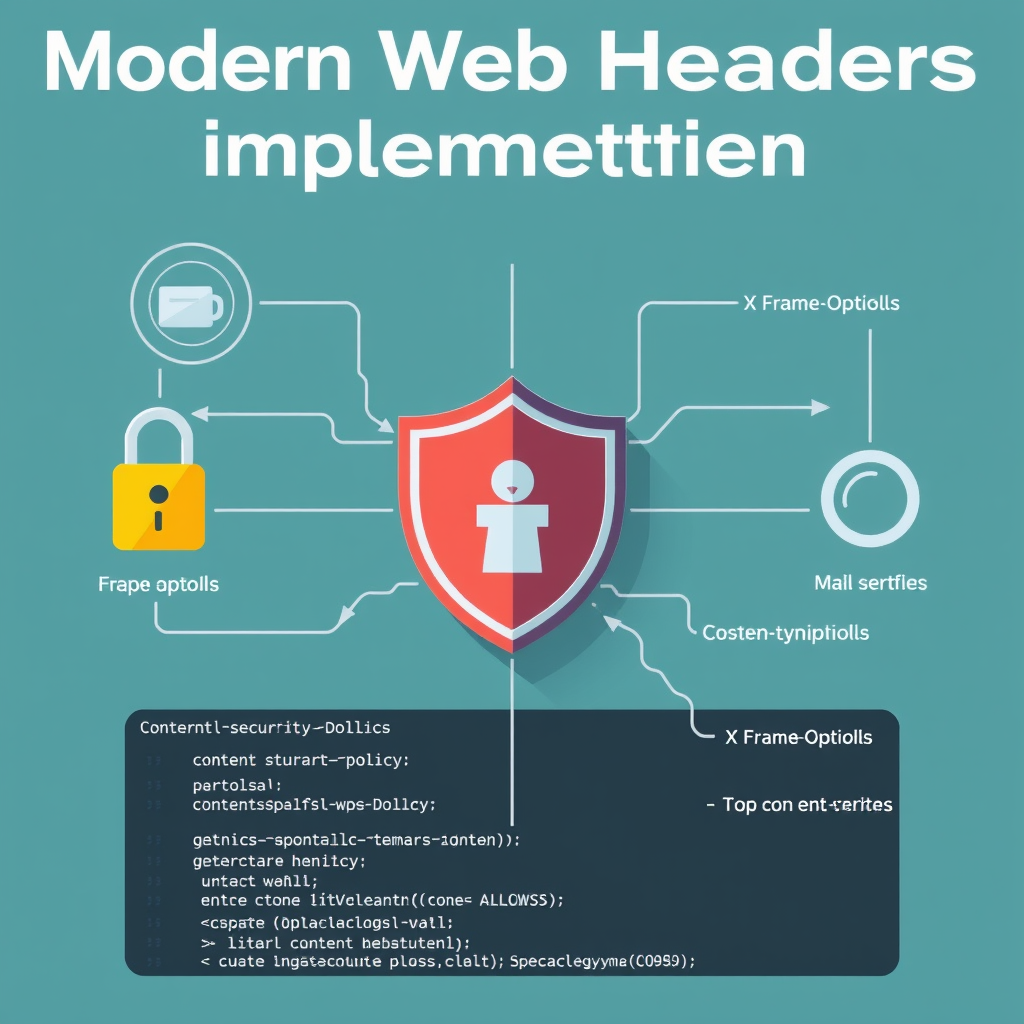
3. Security Headers Implementation
Security headers are essential for modern WordPress security. Implement these key headers to protect your site:
Content-Security-Policy (CSP)
The Content-Security-Policy header is crucial for preventing XSS attacks in WordPress:
Define strict rules for resource loading to prevent malicious scripts
Use nonces and hashes for inline scripts and styles
Configure WordPress-specific CSP rules
Test CSP implementation with your WordPress theme and plugins
X-Frame-Options
Prevent clickjacking attacks by controlling how your site can be embedded:
Set to DENY or SAMEORIGIN for maximum protection
Ensure compatibility with your WordPress admin interface
Test embedding behavior with third-party services
Consider using WP-CLI for bulk header management
4. Threat Prevention and Monitoring
Security is not just about prevention—it’s also about detection and response:
Security Plugins and Tools
Deploy comprehensive security solutions for WordPress:
Install reputable security plugins like Wordfence, iThemes Security, or Sucuri
Enable web application firewall (WAF) features
Use security scanners to identify vulnerabilities regularly
Implement file integrity monitoring
Regular Security Audits
Conduct systematic security assessments for WordPress:
Perform vulnerability scans monthly
Review access logs for suspicious activity
Test security configurations with penetration testing tools
Keep security plugin signatures updated
5. User and Role Management
Your users are often the weakest link in security—strengthen this through proper management:
Principle of Least Privilege
Implement the principle of least privilege for WordPress users:
Assign users only the permissions they absolutely need
Use role-based access control effectively
Review and revoke unnecessary permissions regularly
Separate administrative accounts from development accounts
Session Security
Protect WordPress user sessions from hijacking:
Implement session timeouts
Use secure cookies (HTTPOnly, Secure flags)
Rotate session IDs after login
Monitor for suspicious session activity
6. Content Security and File Management
Your site’s content can be a vector for attacks—implement proper content security:
File Upload Security
Control what gets uploaded to your WordPress site:
Restrict file types to only what’s necessary
Scan uploaded files for malware
Store uploaded files outside the web root when possible
Implement file upload size limits
Content Injection Prevention
Prevent malicious content from being injected into your WordPress site:
Use Content Security Policy (CSP) headers
Implement cross-site scripting (XSS) protection
Validate and sanitize all user input
Use secure coding practices in custom plugins
7. Recovery and Business Continuity
Even with perfect security, breaches can happen—prepare for them:
Backup Strategies
Implement comprehensive backup solutions for WordPress:
Perform daily automated backups
Store backups in multiple locations (offsite and cloud)
Test backup restoration regularly
Implement version control for critical site changes
Incident Response Plan
Create a structured response plan for WordPress security incidents:
Define clear roles and responsibilities
Create step-by-step response procedures
Establish communication protocols
Conduct regular drills and simulations
8. Future-Proofing Your Security
Security is an ongoing process—stay ahead of emerging threats:
Continuous Education
Stay informed about evolving WordPress security landscapes:
Follow WordPress security announcements and updates
Participate in security community forums
Attend security conferences and webinars
Read security research and threat reports
Technology Evolution
Leverage emerging security technologies for WordPress:
Explore AI-powered threat detection
Implement blockchain for identity verification
Use zero-trust security models
Consider security orchestration and automation
Conclusion: Making Security Second Nature
Modern WordPress security is not a checklist—it’s a mindset. By implementing these comprehensive strategies, you’ll create a robust security framework that protects your site today while preparing it for tomorrow’s challenges. Remember that security is an ongoing journey, not a destination. Start with the essentials, build upon them systematically, and never stop learning.
The cost of a security breach far outweighs the investment in proper security measures. Take action today to protect your WordPress site, your users, and your digital presence. Your future self will thank you for the proactive approach.
Leave a Reply